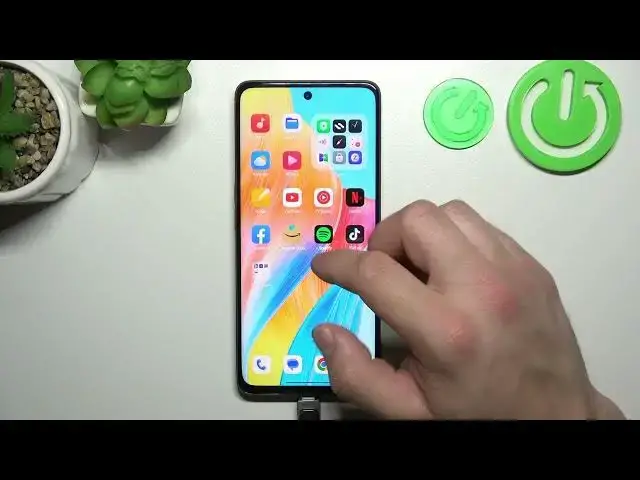

How to Connect Pendrive to Oppo A98 – Use Pendrive
Mar 16, 2024

Check more info about Oppo A98:
https://www.hardreset.info/devices/oppo/oppo-a98/tutorials/
Hi Everyone! If you're wondering how to connect a USB pendrive to your Oppo A98 and enjoy easy file transfers and storage expansion, we have the perfect tutorial for you. In this step-by-step guide, our expert will show you how to connect a pendrive to your Oppo A98 using the USB OTG (On-The-Go) feature. With the USB OTG functionality, you can conveniently connect your pendrive to your Oppo A98 and access the files stored on it directly from your phone. Don't worry if you're new to this, our expert will explain everything in detail, making it easy for you to connect your pendrive effortlessly. Start watching our tutorial now and unlock the full potential of your Oppo A98 by connecting a pendrive to it. Don't miss out on the chance to explore more useful tutorials for Oppo A98 on our HardReset.info YT channel.
How to Use Pendrive on Oppo A98?
How to Make Files Transfer on Oppo A98?
How to Connect Pendrive to Oppo A98?
#ConnectPendrive #FilesTransfer #OppoA98
Follow us on Instagram ► https://www.instagram.com/hardreset.info
Like us on Facebook ► https://www.facebook.com/hardresetinfo/
Tweet us on Twitter ► https://twitter.com/HardResetI
Support us on TikTok ► https://www.tiktok.com/@hardreset.info
Use Reset Guides for many popular Apps ► https://www.hardreset.info/apps/apps/
Show More Show Less