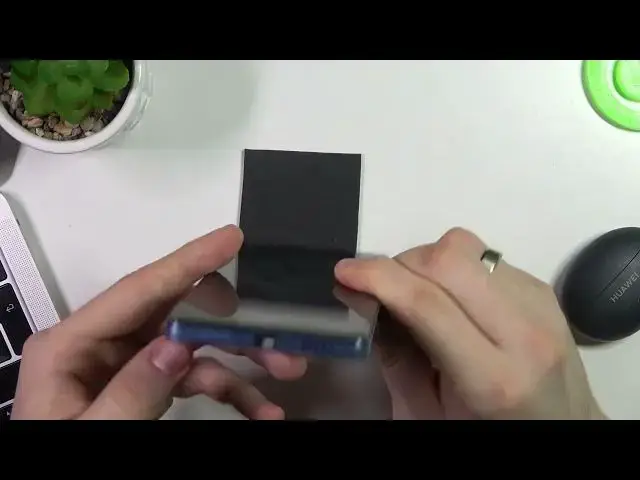

How to clean USB on Poco X5 Pro using household items / Fix Poco X5 Pro USB using only toothbrush
Jul 28, 2024

Check out more manuals and instructions in text format on our web site: https://www.hardreset.info/devices/xiaomi/xiaomi-poco-x5-pro/tutorials/
In this video tutorial, we'll show you how to clean the USB port on your Poco X5 Pro using just a toothbrush. Over time, dust and debris can accumulate in the USB port, potentially causing connectivity issues. With our step-by-step guide, we'll demonstrate how to effectively clean the USB port on your Poco X5 Pro using a simple household item like a toothbrush, ensuring that your device maintains optimal performance and resolves connectivity problems.
How to Clean Poco X5 Pro USB Port with a Toothbrush?
How to Remove Dust and Debris from Poco X5 Pro USB Port Using a Toothbrush?
How to Maintain Poco X5 Pro USB Port Cleanliness with Household Items?
How to Improve USB Connectivity on Poco X5 Pro by Cleaning the Port?
How to Fix Poco X5 Pro USB Issues Using a Toothbrush?
#pocox5pro #cleanusbport #toothbrushcleaning
Follow us on Instagram ► https://www.instagram.com/hardreset.info
Like us on Facebook ► https://www.facebook.com/hardresetinfo/
Tweet us on Twitter ► https://twitter.com/HardResetI
Support us on TikTok ► https://www.tiktok.com/@hardreset.info
Use Reset Guides for many popular Apps ► https://www.hardreset.info/apps/apps/
Show More Show Less