0:00
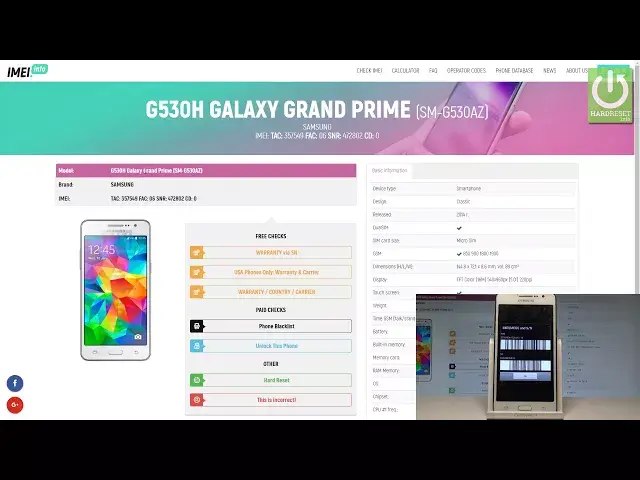
Here I have Samsung Galaxy Grand Prime and let me show you how to check the warranty
0:14
country and carrier information on this device just by using your email number
0:19
This checking is completely free, let me show you how to do it. Let's enter the website email.info, here you need to enter the empty bracket to enter your
0:27
email, let me do it. So let me open the phone's dialer right here and let's use the following code, star-pound-06-pound
0:36
As you can see the email number just pops up. So let's enter this email right here, this is my email number, let me choose that I'm
0:43
not a robot so let's go through the capture protection. Let me select the shops right here
0:51
Next up verify and let me select also the vehicles
1:02
Excellent let me select check. The device is checking info, this is the website with the information about your device
1:08
You can read the basic info, you can read the model number, tag number and other stuff
1:12
and you may also use these features. So as I said let me select the warranty, country and carrier feature, the free checking
1:19
Let me choose the check Samsung phone details and the device is reading the information
1:24
the website is looking for available info and this is the tab with all necessary information
1:31
Here you can read the master number, serial number, you may also read the most important
1:36
data such as the purchased country, the production date, warranty, in my case my warranty status
1:44
is now so my device hasn't got the warranty. You can see the warranty expired date, the manufacturer and the sold by and shipped to
1:52
information and also the carrier, in my case it's the carrier from United States
1:57
So that's it, this checking is completely free, the link will be also in the description
2:02
so you can use it. Thank you for watching, please subscribe our channel, leave thumbs up under the video