0:00
Hi everyone, in front of me I've got Poco F5 Pro and let me share with you how to
0:05
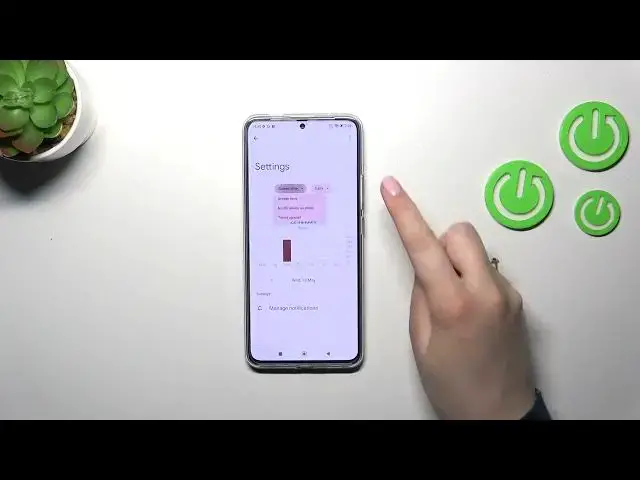
check the total screen time on this device. So first of all we have to enter the settings and then scroll down to the
0:16
very bottom to find digital well-being and parental controls. And as you can
0:20
see right here we've got the graph which will show us for how long we've been using this device today and as you can see in my case it was almost 45 minutes
0:28
and most of the time I've spent on the settings. So we've got also the unlocks
0:32
and the notifications count. If you want to you've got two different ways to
0:36
check some further details. You can tap inside this graph and you will be
0:40
transferred to the dashboard which will show you how much time you've spent in
0:44
particular days of the week. You can change the screen time to notifications and times opened and under it you've got the list of apps which you've opened and
0:52
how much time you've spent on them. And the second way is to tap directly on the
0:56
app. So for example the settings and again we've got the dashboard but this time it is tightly connected with this one app. We can change the screen time
1:03
again and from daily to hourly if you want. So this is how to check the screen
1:09
time and a quick disclaimer about the ways to disconnect. We've got the
1:13
bedtime mode or the focus mode and we can use it whenever we want to rest
1:18
whenever we don't want to be disturbed we just want to work for example or
1:23
sleep. So I highly recommend to use it because thanks to this you can select
1:28
some kind of distracting app so probably the social media. Let's pretend it is the
1:34
camera in my case. We can set a schedule we can pick the start and the end time
1:38
and particular days and then simply turn it on and your device will hide the
1:43
notifications in their schedule which is quite cool. Alright so that will be all
1:48
thank you so much for watching I hope that this video was helpful and if it
1:52
was please hit the subscribe button and leave the thumbs up