0:00
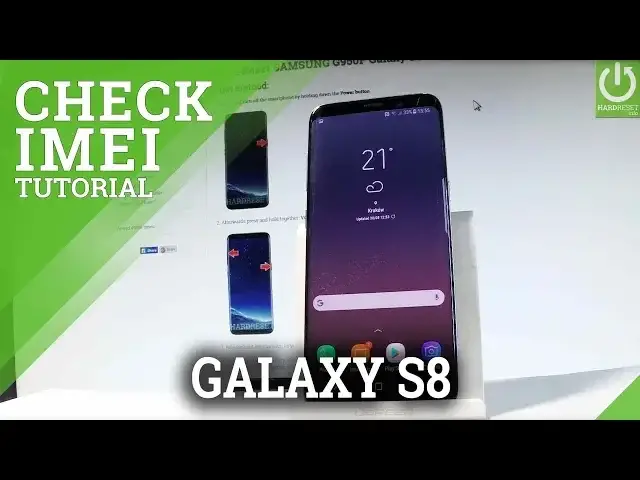
Here I have Samsung Galaxy S8 and let me show you how to check the email number on the following device
0:11
So at the very beginning let me start by holding a power key, let's unlock the screen, let's
0:15
open the phone's dialer and here let's use the following secret code, star hash 06 hash
0:22
and as you can see the email number just pops up, you may also read the barcodes to this number
0:28
Now let me show you how to check email by using the settings list, so let's find and
0:32
select the settings right here, let's scroll down to the bottom of the list and choose
0:38
about phone, afterwards you have to tap on status and here let's select email information
0:44
now you can read the email number of your device right here, you can also read the email
0:48
number by using the back of your device and right here you should find the information
0:54
about your email number. So that's it, now you know the 3 methods of checking email number, you can also know
1:02
more about your phone by using your email number by using our website email.info, so
1:08
let's check out this website, the link is under the video. Thank you for watching, please subscribe our channel and leave thumbs up under the video