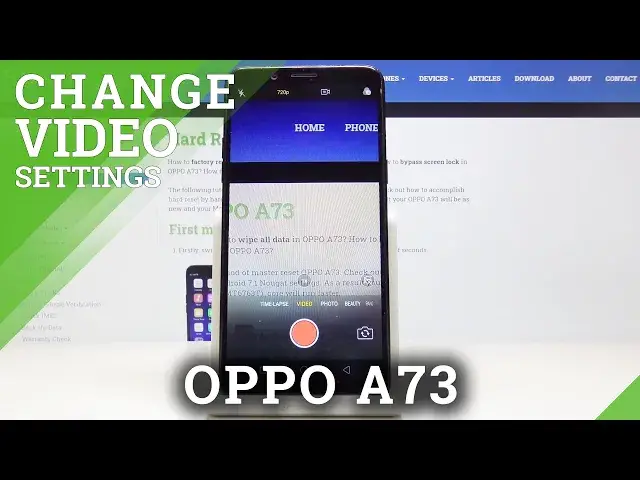

How to Change Video Resolution on OPPO A73 – Record Best Quality Video
Jul 19, 2024

Find out more: https://www.hardreset.info/devices/oppo/oppo-a73/
In this video I will show how to adjust video quality on OPPO A73, you can choose 720p or 1080p resolution. 720p will let you record longer video because movie recorded in this resolution is significantly smaller in terms of memory size then 1080p. 1080p also known as full HD is best possible resolution on OPPO A73, picture quality will be the highest, but also movie size will be the biggest. You need to choose which resolution suits your needs the best.
How to change video solution in OPPO A73? How to activate 1080p resolution in OPPO A73? How to enable 1080p in OPPO A73? How to set up full HD video in OPPO A73? How to use full HD resolution in OPPO A73? How to record videos in FHD in OPPO A73? How to activate FHD videos in OPPO A73? How to enable FHD videos in OPPO A73? How to use FHD in OPPO A73? How to record videos in high quality in OPPO A73? How to choose FHD resolution in OPPO A73?
Follow us on Instagram ► https://www.instagram.com/hardreset.info/
Like us on Facebook ► https://www.facebook.com/hardresetinfo/
Tweet us on Twitter ► https://twitter.com/HardresetI/
Show More Show Less