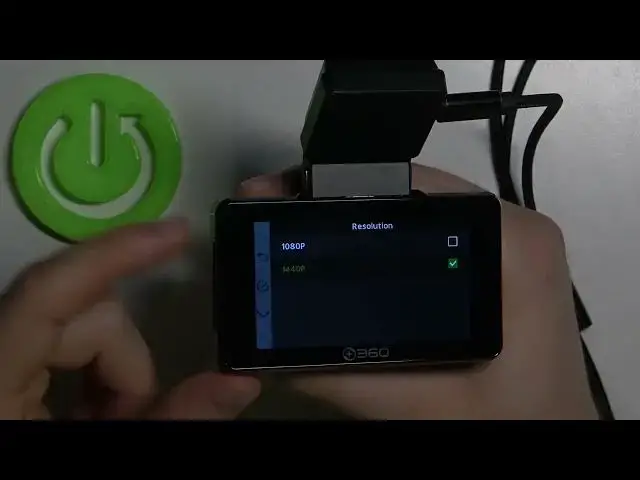

How to Change Video Resolution in 360 Dash Cam G500H?
Jul 4, 2024

If you are looking for more info check our website: https://www.hardreset.info/devices/360/360-dash-cam-g500h/faq/buy/buy/
You can change the video resolution in 360 Dash Cam using the main settings, you can get better quality and then there will be less space on your card, or worse quality and you can have more recordings. If this video tutorial helped you, we would be very pleased if you leave a like, comment and a subscription. Remember that if you have any questions, feel free to ask them in the comment. Thanks for watching our videos!
How to Adjust Video Resolution in 360 Dash Cam G500H? How to Manage Video Resolution in 360 Dash Cam G500H? How to Set Up Video Resolution in 360 Dash Cam G500H?
#360DashCamG500H #CarDashCam #ChangeVideoResolution
Follow us on Instagram ► https://www.instagram.com/hardreset.info
Like us on Facebook ► https://www.facebook.com/hardresetinfo/
Tweet us on Twitter ► https://twitter.com/HardResetI
Support us on TikTok ► https://www.tiktok.com/@hardreset.info
Use Reset Guides for many popular Apps ► https://www.hardreset.info/apps/apps/
Show More Show Less