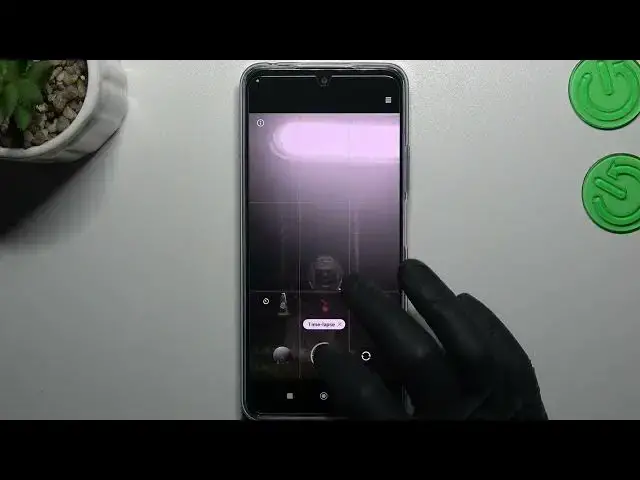

How to Change Time Lapse Speed in POCO X5 – Manage Time Lapse
Mar 22, 2024

Learn more info about POCO X5:
https://www.hardreset.info/devices/xiaomi/xiaomi-poco-x5-5g/tutorials/
If you wish to customize the time lapse feature in POCO X5 and change it’s speed, then here we are coming to show you how to do it! In this tutorial we would like to guide you to proper section, which will allow you to change the time lapse options. So let’s follow all shown steps and customize this feature according to your needs.
How to open camera settings in POCO X5? How to switch on time lapse in POCO X5? How to turn off time lapse in POCO X5? How to use POCO X5 camera features? How to set up camera time lapse in POCO X5?
#TimeLapse #TimeLapseFeature #POCOX5
Follow us on Instagram ► https://www.instagram.com/hardreset.info
Like us on Facebook ► https://www.facebook.com/hardresetinfo/
Tweet us on Twitter ► https://twitter.com/HardResetI
Support us on TikTok ► https://www.tiktok.com/@hardreset.info
Use Reset Guides for many popular Apps ► https://www.hardreset.info/apps/apps/
Show More Show Less