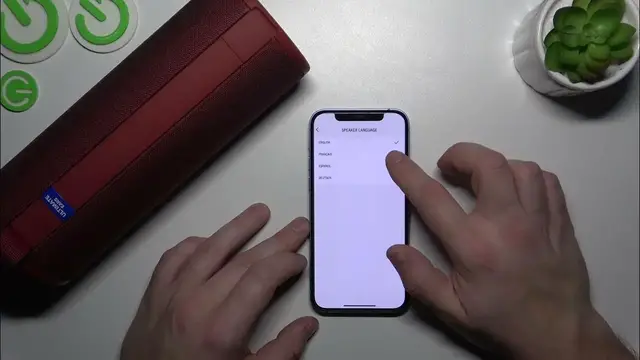

How to Change the Language on Your Ultimate Ears MegaBoom 3
Jan 17, 2024

Find out more: https://www.hardreset.info/devices/
Get ready to personalize your audio experience with our newest video on changing the speaker language of your Ultimate Ears MegaBoom 3. This guide is an invaluable resource for users looking to customize their speaker to match their language preferences. Whether you're a multilingual user or just experimenting with different settings, we walk you through the simple yet impactful process of altering the language on your MegaBoom 3. Discover how to navigate through the speaker's settings, select your preferred language, and apply the changes effortlessly. Perfect for global users or those learning a new language, this video ensures your MegaBoom 3 speaks your language, literally. Join us as we explore the versatility of the MegaBoom 3, making it a truly user-friendly device for a diverse audience. Don't forget to like, subscribe, and turn on notifications for more tips on making your tech work for you
#MegaBoom3Customization
#TechLanguageSettings
#SpeakerSetup
Questions for the Video:
How to access the language settings on your Ultimate Ears MegaBoom 3?
How to select and change the language on the MegaBoom 3?
How to confirm the language change on your MegaBoom 3?
How to troubleshoot if the language doesn't change on the MegaBoom 3?
How to explore different language options available on the MegaBoom 3?
Follow us on Instagram ► https://www.instagram.com/hardreset.info
Like us on Facebook ► https://www.facebook.com/hardresetinfo/
Tweet us on Twitter ► https://twitter.com/HardResetI
Support us on TikTok ► https://www.tiktok.com/@hardreset.info
Use Reset Guides for many popular Apps ► https://www.hardreset.info/apps/apps/
Show More Show Less #Science