
How to Change Screen Recorder Sound Settings on SAMSUNG Galaxy Xcover 6 Pro
Mar 26, 2024

Find out more info about SAMSUNG Galaxy Xcover 6 Pro:
https://www.hardreset.info/devices/samsung/samsung-galaxy-xcover-6-pro/tutorials/
Are you looking for a way to customize the audio settings for your screen recordings on your SAMSUNG Galaxy Xcover 6 Pro? In this tutorial, we'll show you how to change the sound settings for your screen recorder on your SAMSUNG Galaxy Xcover 6 Pro.
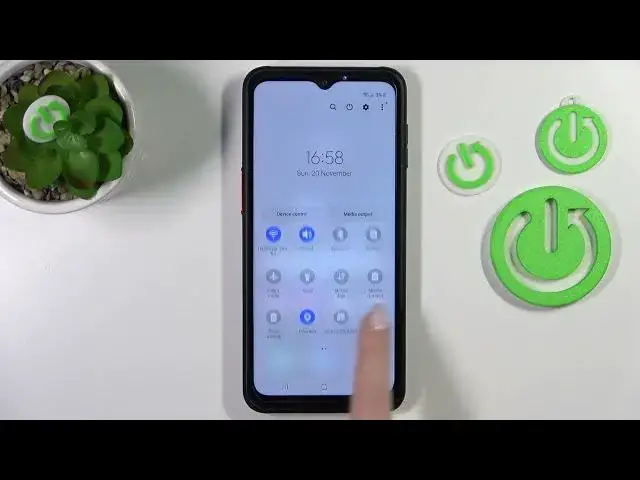
First, open the screen recorder by swiping down from the top of the screen and tapping the screen recorder icon. Then, tap the settings icon in the top right corner of the screen.
In the settings menu, you'll see options for audio sources, including microphone and system audio. You can choose to record audio from just the microphone, just the system audio, or both.
You can also adjust the volume levels for each audio source by using the sliders. If you want to record audio from an external source, such as a headset or external microphone, you can do so by selecting the "ext. mic." option in the audio sources menu.
Once you've selected and adjusted your audio sources and volume levels, tap the back button to return to the screen recorder. Your audio settings will now be applied to all future screen recordings.
How to open screen recorder settings on SAMSUNG Galaxy Xcover 6 Pro? How to enter the screen recorder on SAMSUNG Galaxy Xcover 6 Pro? How to manage sounds in screen recorder in SAMSUNG Galaxy Xcover 6 Pro?
#ScreenRecorder #SoundsSettingsScreenRecorder #SAMSUNGGalaxyXcover6Pro
Follow us on Instagram ► https://www.instagram.com/hardreset.info
Like us on Facebook ► https://www.facebook.com/hardresetinfo/
Tweet us on Twitter ► https://twitter.com/HardResetI
Support us on TikTok ► https://www.tiktok.com/@hardreset.info
Use Reset Guides for many popular Apps ► https://www.hardreset.info/apps/apps/
Show More Show Less