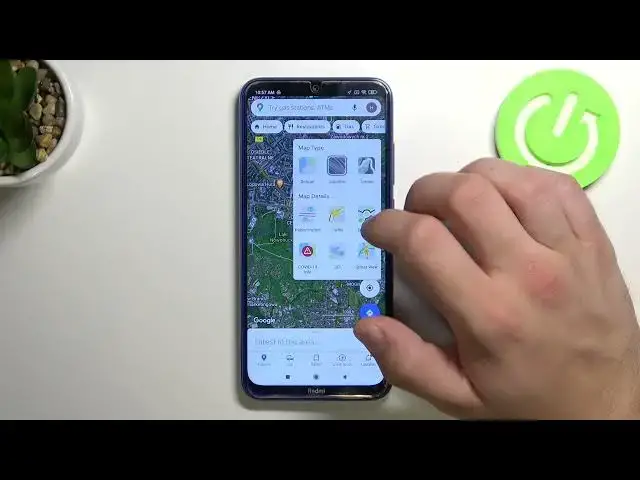

How to Change Map Type in Google Maps on XIAOMI Redmi Note 8
Apr 11, 2024

Learn more information about the XIAOMI Redmi Note 8: https://www.hardreset.info/devices/xiaomi/xiaomi-redmi-note-8/
While using the Google Maps on your XIAOMI Redmi Note 8 smartphone, you have 3 different types of map views that you can switch between: default, satellite, and terrain. Thereby, we have recorded this video tutorial and bought it to your attention with the goal of showing how you can change the map view on Google Maps on your XIAOMI Redmi Note 8 device. Please enjoy and thanks for watching!
How to change the Google Maps view on XIAOMI Redmi Note 8? How to set a view from the satellite in Google Maps on XIAOMI Redmi Note 8? How to set terrain view in the Google Maps on XIAOMI Redmi Note 8? How to set a different map type on XIAOMI Redmi Note 8?
#XIAOMIRedmiNote8 #GoogleMaps #XIAOMIApps
Follow us on Instagram ► https://www.instagram.com/hardreset.info
Like us on Facebook ►
https://www.facebook.com/hardresetinfo/
Tweet us on Twitter ► https://twitter.com/HardResetI
Support us on TikTok ► https://www.tiktok.com/@hardreset.info
Use Reset Guides for many popular Apps ► https://www.hardreset.info/apps/apps/
Show More Show Less