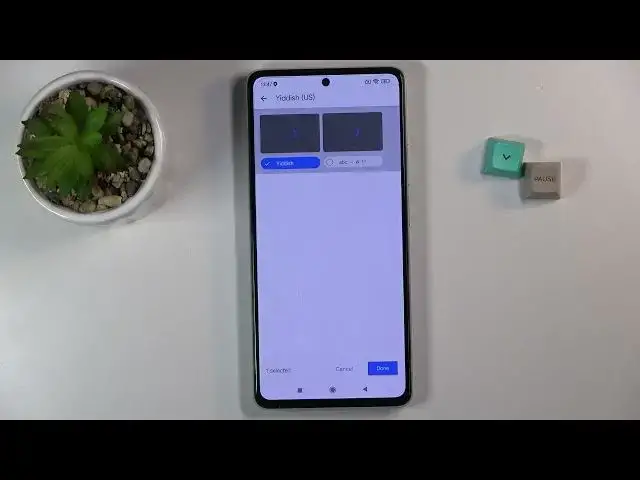

How to Change Keyboard Language on XIAOMI 11T - Set Up Keyboard Language
Apr 10, 2024

Find out more info about XIAOMI 11T:
https://www.hardreset.info/devices/xiaomi/xiaomi-11t/
Hello! Today we would like to show you how to change keyboard language on XIAOMI 11T. Follow our instructions, enter the keyboard settings and open the list of all languages. Select a new default language and start typing in your mother tongue language or in different language. Do you want to know more about XIAOMI 11T? You should visit our YouTube channel.
How to set up keyboard language on XIAOMI 11T? How to find language settings in keyboard on XIAOMI 11T? How to find keyboard settings in XIAOMI 11T? How to change keyboard language on XIAOMI 11T? How to get access to keyboard language options on XIAOMI 11T? How to open list of languages in XIAOMI 11T’s keyboard? How to enter keyboard settings in XIAOMI 11T? How to change language in keyboard on XIAOMI 11T?
#ChangeKeyboardLanguage #OpenKeyboardSettings #XIAOMI11T
Follow us on Instagram ► https://www.instagram.com/hardreset.info
Like us on Facebook ► https://www.facebook.com/hardresetinfo/
Tweet us on Twitter ► https://twitter.com/HardResetI
Support us on TikTok ► https://www.tiktok.com/@hardreset.info
Use Reset Guides for many popular Apps ► https://www.hardreset.info/apps/apps/
Show More Show Less