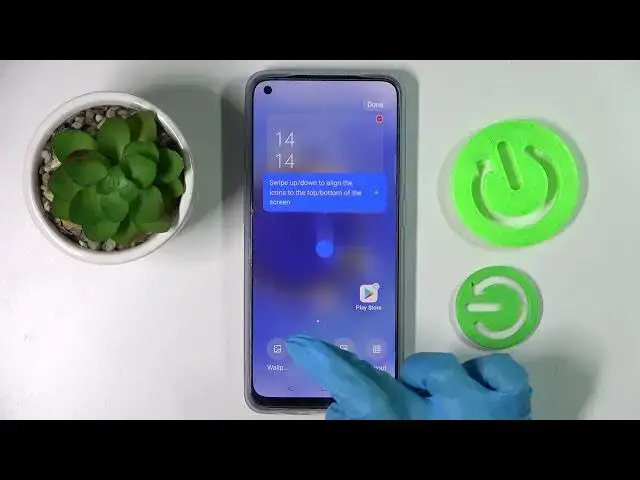

How to Change Icon Size on Oppo Reno 7 – Customize Device Display
Jul 2, 2024

Check more info about Oppo Reno 7:
https://www.hardreset.info/devices/oppo/oppo-reno7-5g/
Hi there! If the app icons installed on your Oppo Reno 7 seem too big or too small for you, and you do not know how to change their size, then do not rush to get upset. In this video tutorial our Expert will show and tell you how to enter your Oppo Reno 7 settings and change the app icon size to whatever you like. So, open our video tutorial and follow the steps of our Expert to change the size of the icons on the screen of your Oppo Reno 7. For more information visit our HardReset.info YT channel and discover many useful tutorials for Oppo Reno 7.
How to Manage Icons Size on Oppo Reno 7?
How to Adjust Icon Size on Oppo Reno 7?
How to Make Icons Smaller on Oppo Reno 7 Display?
#ManageDisplay #CustomizeDisplay #OppoReno7
Follow us on Instagram ► https://www.instagram.com/hardreset.info
Like us on Facebook ► https://www.facebook.com/hardresetinfo/
Tweet us on Twitter ► https://twitter.com/HardResetI
Support us on TikTok ► https://www.tiktok.com/@hardreset.info
Use Reset Guides for many popular Apps ► https://www.hardreset.info/apps/apps/
Show More Show Less