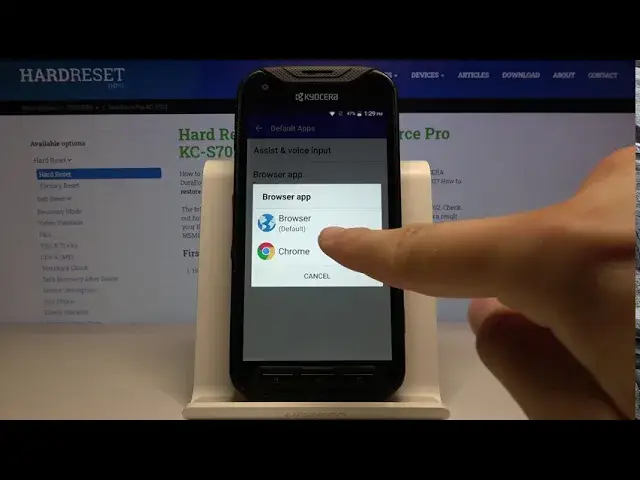

How to Change Default Apps in Kyocera DuraForce Pro - Manage App Preferences
Apr 30, 2024

More details: https://www.hardreset.info/devices/kyocera/kyocera-duraforce-pro/
If you wisht to manage default apps in Kyocera DuraForce Pro, this tutorial will answer all your questions. Let's find out where apps settings are located and how to adjust the default applications in Kyocera. Afterwards, you will be able to change the default browser, messages app, mail provider or any other app you want to personalize. Enjoy!
How to change default apps in Kyocera DuraForce Pro? How to set default apps in Kyocera DuraForce Pro? How to customize default apps in Kyocera DuraForce Pro? How to choose default apps in Kyocera DuraForce Pro? How to add default app in Kyocera DuraForce Pro? How to manage default apps in Kyocera DuraForce Pro? How to manage apps in Kyocera DuraForce Pro?
#ManageApps #ChangeDefaultApps #KyoceraDuraForcePro
Follow us on Instagram ► https://www.instagram.com/hardreset.info
Like us on Facebook ► https://www.facebook.com/hardresetinfo/
Tweet us on Twitter ► https://twitter.com/HardResetI
Support us on TikTok ► https://www.tiktok.com/@hardreset.info
Use Reset Guides for many popular Apps ► https://www.hardreset.info/apps/apps/
Show More Show Less