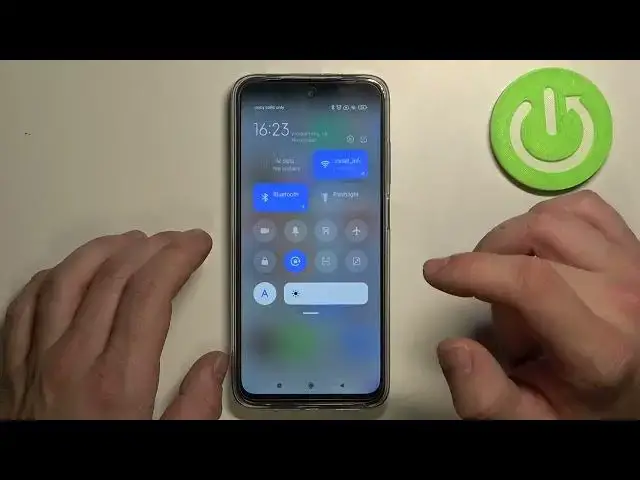

How to Change Brightness Level – Brightness Settings on XIAOMI Redmi 10
Jul 3, 2024

Find out more about XIAOMI Redmi 10:
https://www.hardreset.info/devices/xiaomi/xiaomi-redmi-10/
If you spend a lot of time with your phone and feel discomfort or pain in your eyes - we advise you to change the brightness level in the Main Display Settings of your phone. Because too intense brightness of the phone screen can damage your eyesight and cause a "dry eye" syndrome. Subscribe to our channel and we'll show you other cool tricks with your devices!
How to Change Brightness Level on XIAOMI Redmi 10? How to Manage Level of Brightness on XIAOMI Redmi 10? How to Make screen dim on XIAOMI Redmi 10? How to Make screen bright on XIAOMI Redmi 10? How to maximize Brightness Level on XIAOMI Redmi 10? How to minimize Brightness Level on XIAOMI Redmi 10?
#BrightnessLevel #DisplaySettings #XIAOMIRedmi10
Follow us on Instagram ► https://www.instagram.com/hardreset.info
Like us on Facebook ► https://www.facebook.com/hardresetinfo/
Tweet us on Twitter ► https://twitter.com/HardResetI
Support us on TikTok ► https://www.tiktok.com/@hardreset.info
Use Reset Guides for many popular Apps ► https://www.hardreset.info/apps/apps/
Show More Show Less