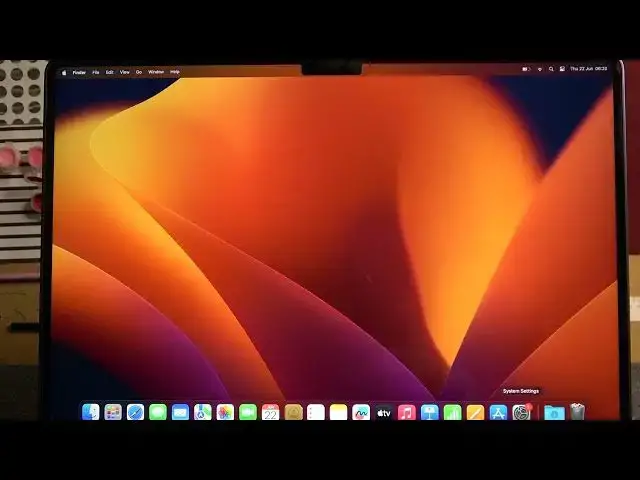

How To Change 24h & 12h Format In Macbook Air M2 2023
Aug 2, 2024

For More Easy Tutorial About MacBook Air Visit Our Website ! https://www.hardreset.info/devices/apple/apple-macbook-air-13/faq/admin-page/admin-page/
In this tutorial video, we demonstrate how to change the time format between 24-hour and 12-hour on your MacBook Air M2 (2023) model. The time format preference allows you to display the time in either a 24-hour format (e.g., 13:00) or a 12-hour format with AM and PM indicators (e.g., 1:00 PM).
How to change time format on MacBook Air M2 (2023)
MacBook Air M2 time format tutorial
Step-by-step guide for switching between 24-hour and 12-hour format on MacBook Air M2
Changing time format on MacBook Air M2 (2023)
Customizing time display on MacBook Air M2
MacBook Air M2 system preferences: time format
Switching between 24-hour and 12-hour format on MacBook Air M2
Adjusting time format on MacBook Air M2
#macbookairm2 #macbookair #macbook
Follow us on Instagram ► https://www.instagram.com/hardreset.info
Like us on Facebook ►
https://www.facebook.com/hardresetinfo/
Tweet us on Twitter ► https://twitter.com/HardResetI
Support us on TikTok ►
Show More Show Less