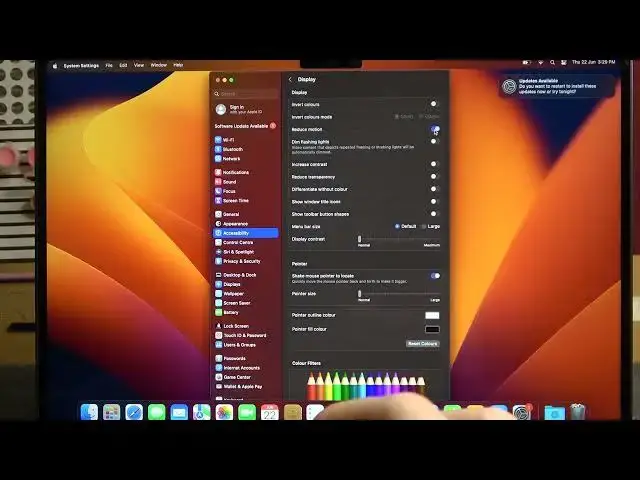

How To Enable & Disable Reduced Motion On Macbook Air M2 2023
Aug 2, 2024

For More Easy Tutorial About MacBook Air Visit Our Website ! https://www.hardreset.info/devices/apple/apple-macbook-air-13/faq/admin-page/admin-page/
In this video tutorial, we guide you through the steps to enable and disable reduced motion on your Macbook Air M2 (2023). Reduced motion is an accessibility feature that reduces the movement and animation effects across the macOS interface, making it more comfortable for individuals with motion sensitivity or vestibular disorders.
How to enable reduced motion on Macbook Air M2 (2023)
How to disable reduced motion on Macbook Air M2
Enabling accessibility features on Macbook Air M2
Macbook Air M2 reduced motion tutorial
Adjusting motion settings on Macbook Air M2
Customizing display options on Macbook Air M2
Enabling accessibility mode on Macbook Air M2
Reducing visual distractions on Macbook Air M2
Accessibility settings for Macbook Air M2 (2023)
Toggling reduced motion on and off on Macbook Air M2
#macbookairm2 #macbookair #macbook
Follow us on Instagram ► https://www.instagram.com/hardreset.info
Like us on Facebook ►
https://www.facebook.com/hardresetinfo/
Tweet us on Twitter ►
Show More Show Less