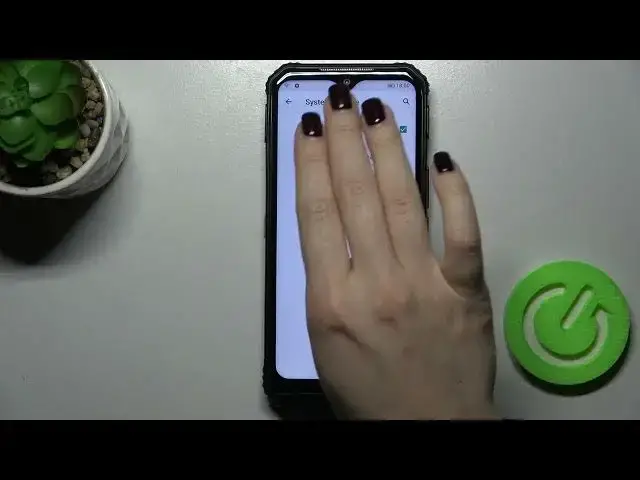

How to Capture Screenshot without Buttons in DOOGEE S95 Pro – Gesture Function
Apr 7, 2024

Learn more about DOOGEE S95 Pro
https://www.hardreset.info/devices/doogee/doogee-s95-pro/
If you've ever taken a screenshot without touching anything, you'll learn how with this tutorial. If you want to take a screenshot without touching anything, you just need to find the Gesture Shortcuts tab, and click on Snap a Screenshot. You'll see a few ways to grab a screenshot on this tab, so choose one that works for you.
How to Capture Screenshot without Buttons in DOOGEE S95 Pro? How to Make Screenshot without Buttons in DOOGEE S95 Pro? How to capture screen in DOOGEE S95 Pro? How to take a screenshot on DOOGEE S95 Pro? How to open screenshot settings in DOOGEE S95 Pro? How to take a screenshot without buttons on DOOGEE S95 Pro?
#CaptureScreenshot #TakeScreenshot #doogees95pro
Follow us on Instagram ► https://www.instagram.com/hardreset.info
Like us on Facebook ► https://www.facebook.com/hardresetinfo/
Tweet us on Twitter ► https://twitter.com/HardResetI
Support us on TikTok ► https://www.tiktok.com/@hardreset.info
Use Reset Guides for many popular Apps ► https://www.hardreset.info/apps/apps/
Show More Show Less