0:00
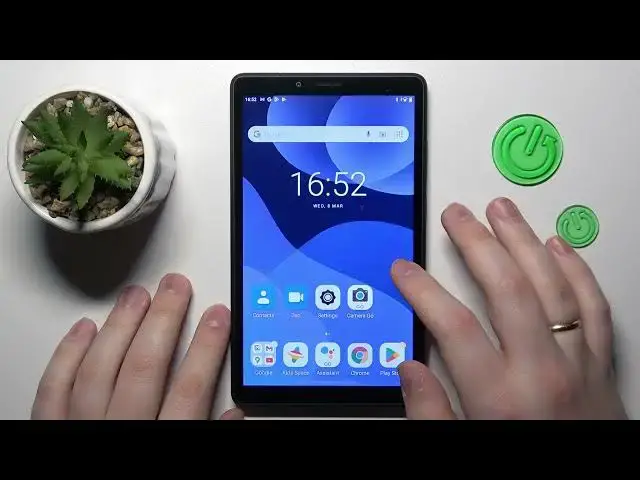
This is Lenovo Tab M7 and today I would like to demonstrate that you can bypass
0:04
parental controls on this device. So to begin with, as you can see, my parental controls are indeed active
0:13
So from here you've got to enter the Google category at the settings tab. So obviously you've got to begin with
0:21
launching the SAIT settings app. Then go for the Google category. In here tap at the Manage Your Google Account button
0:30
Onwards, at the Google Management Center page, go for the Data & Privacy
0:35
Then scroll the page all the way down. Tap at the Delete Your Google Account option
0:40
In order to proceed onwards, you will have to enter the password to the child's Google account
0:47
That is exactly what I'm going to do now. Then at the following page
0:58
check those two boxes and tap at the Delete Account button to your bottom right
1:17
So well, more or less at this point, the parental controls were successfully switched off
1:24
Let me double check that real quick. Yep, as you can see, there is no Google account linked
1:32
And if I will open the parental controls, there should be none
1:38
Or simply the system bugged a little, which is normal. And it still shows that those parental controls are active
1:45
but you've got to trust me that they are not already. So this time it actually has been loaded properly
1:55
So as you can see, no parental controls in place. So now the final thing that you need to do
2:02
is to restore or recover the Google account, which you can do by signing in with it to any Google service
2:10
In my case, I'll show you how you can do that using the Play Store app
2:21
If you have done everything right up until this point, you should get the following message
2:28
Now you can proceed. Enter the password. Then most times you'll get the Something Went Wrong message
2:42
That's completely fine. Just redo the login procedure. So enter the password
2:48
And usually second time around, the Google lets you proceed or lets you go through
2:56
And you will have a chance to attend regular Google sign-in procedures
3:03
like accepting all the Google services and what's not. So as you can see, I've got the Google account back
3:14
I've got all the Google services and what's not. So as you can see, this time everything went smoothly
3:24
So the Google account was recovered. The parental controls were deactivated. So thanks for watching and bye-bye