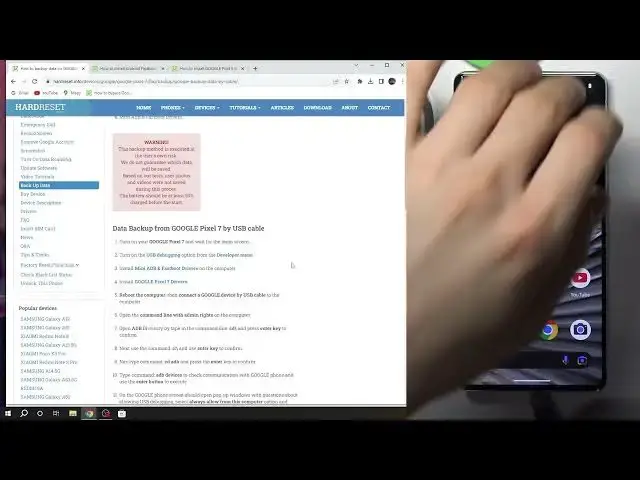

How To Backup Data Using ADB In Google Pixel 7 Pro
Mar 10, 2024

Find out more about Google Pixel 7 Pro on : https://www.hardreset.info/devices/google/google-pixel-7-pro/tutorials/
Discover how to create a backup of your data on a Google Pixel 7 Pro using ADB (Android Debug Bridge), a powerful tool that allows you to safeguard your valuable information. Whether you're preparing for a software update or want to ensure your data is safe in case of emergencies, our guide provides step-by-step instructions and answers to frequently asked questions about data backup using ADB on the Google Pixel 7 Pro.
Why should I consider using ADB to backup my data on the Google Pixel 7 Pro?
What types of data can I back up using ADB, and how comprehensive is the backup process?
What are the steps to set up ADB on my computer and connect it to my Google Pixel 7 Pro?
Are there specific ADB commands and procedures to back up different types of data, such as photos or app data?
How can I ensure the integrity of my data backup and easily restore it when needed?
#googlepixel #googlepixel7pro #googlepixel7
Follow us on Instagram ► https://www.instagram.com/hardreset.info
Like us on Facebook ► https://www.facebook.com/hardresetinfo/
Tweet us on Twitter ► https://twitter.com/HardResetI
Support us on TikTok ► https://www.tiktok.com/@hardreset.info
Use Reset Guides for many popular Apps ► https://www.hardreset.info/apps/apps/
Show More Show Less #Computer Security
#Networking