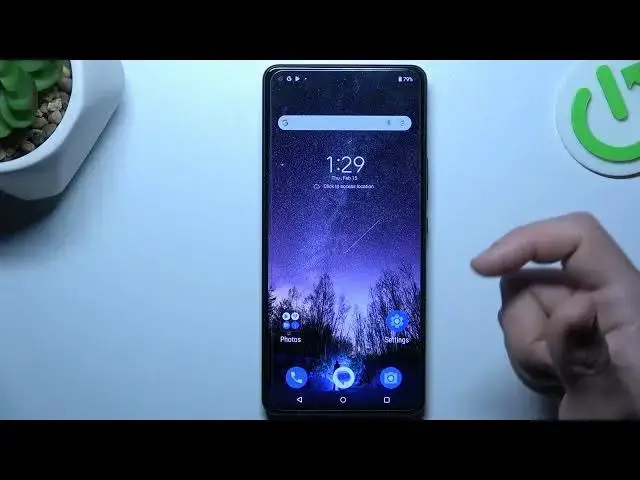

How to Automatically Add New Apps to Home Screen on ASUS ROG Phone 8 Pro
Aug 9, 2024

We invite you to visit our website and find out more about ASUS ROG Phone 8 Pro: https://www.hardreset.info/devices/asus/asus-rog-phone-8-pro/tutorials/
Learn how to effortlessly keep your ASUS ROG Phone 8 Pro's home screen organized with automatic app icon addition. This tutorial guides you through enabling the feature, ensuring that whenever you install a new app, its icon automatically appears on your home screen for easy access without manual intervention.
How to add newly installed app icons to the home screen automatically on ASUS ROG Phone 8 Pro? How to automatically put new app shortcuts on the desktop on ASUS ROG Phone 8 Pro? How to add app icons to home screen automatically on ASUS ROG Phone 8 Pro?
#ASUSROGPhone8Pro #HomeScreen #ASUSApps
Follow us on Instagram ► https://www.instagram.com/hardreset.info
Like us on Facebook ► https://www.facebook.com/hardresetinfo/
Tweet us on Twitter ► https://twitter.com/HardResetI
Support us on TikTok ► https://www.tiktok.com/@hardreset.info
Use Reset Guides for many popular Apps ► https://www.hardreset.info/apps/apps/
Show More Show Less