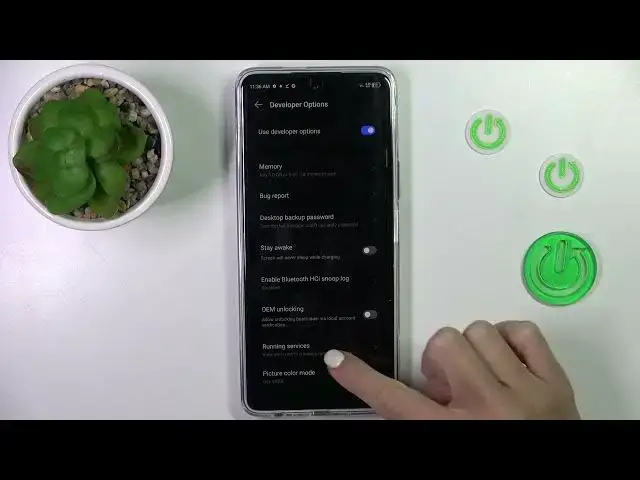

How to Automatic System Updates on TECNO Pova 5 Pro?
Aug 5, 2024

Find out more info about TECNO Pova 5 Pro: https://www.hardreset.info/devices/tecno/tecno-pova-5-pro/tutorials/
This tutorial is your guide to ensuring that your TECNO Pova 5 Pro smartphone stays up-to-date with the latest system software. Automatic system updates are crucial for enhancing device security, performance, and functionality. In this step-by-step guide, we'll walk you through the process of enabling automatic system updates on your TECNO Pova 5 Pro, so you can enjoy a smooth and secure mobile experience without manual intervention.
Why is it important to enable automatic system updates on my TECNO Pova 5 Pro? Where can I find the automatic update settings on the device? Are system updates always installed automatically, or do I have control over when they occur? Can I specify a preferred time for the device to check for and install updates? What if I want to review update details before they are installed? #AutomaticSystemUpdates #UpdateSystem #tecnopova5pro
Follow us on Instagram ► https://www.instagram.com/hardreset.info
Like us on Facebook ► https://www.facebook.com/hardresetinfo/
Tweet us on Twitter ► https://twitter.com/HardResetI
Support us on TikTok ► https://www.tiktok.com/@hardreset.info
Use Reset Guides for many popular Apps ► https://www.hardreset.info/apps/apps/
Show More Show Less