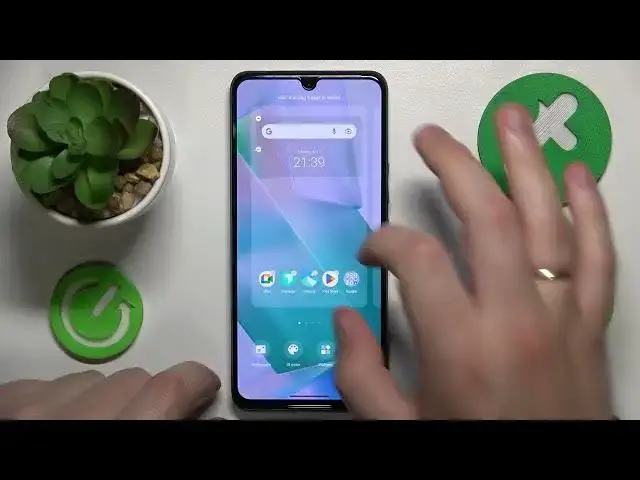

How to Arrange Apps in Alphabetical Order in VIVO - Enabling the App Drawer Home Screen Type
Mar 16, 2024

You are always welcome to visit our web portal to learn more about mobile devices and more: https://www.hardreset.info/
Tired of scrolling through endless home screens cluttered with apps on your VIVO smartphone? In this video, we'll show you how to enable the app drawer feature and alphabetically arrange your apps for a cleaner and more organized user experience. With the app drawer, you can conveniently access all your installed apps in one place, making it easier to find what you need. We'll guide you through the simple steps to enable the app drawer on your VIVO phone and demonstrate how to sort your apps in alphabetical order for quick and effortless navigation. Join us and unlock the full potential of your VIVO smartphone with this handy feature. Don't forget to subscribe for more VIVO tips and tricks!
How to put apps in alphabetical order on a VIVO phone? How to arrange apps alphabetically on a VIVO mobile device? How to turn on the app drawer on a VIVO? How to open the app drawer in VIVO?
#VIVOPhone #AppDrawer #VIVOApps
Follow us on Instagram ► https://www.instagram.com/hardreset.info
Like us on Facebook ►
https://www.facebook.com/hardresetinfo/
Tweet us on Twitter ► https://twitter.com/HardResetI
Support us on TikTok ► https://www.tiktok.com/@hardreset.info
Use Reset Guides for many popular Apps ► https://www.hardreset.info/apps/apps/
Show More Show Less