0:00
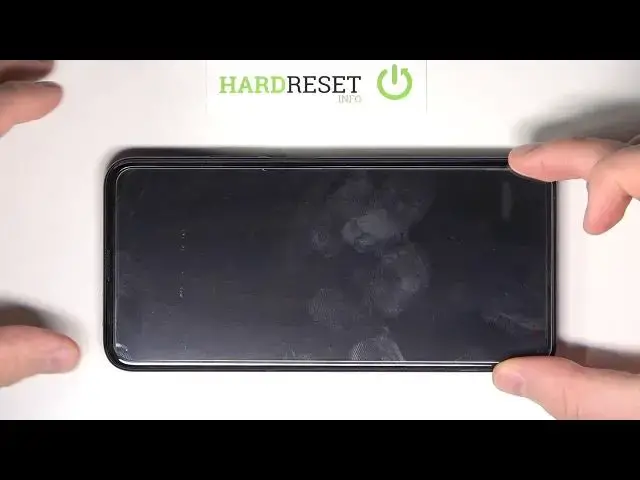
Welcome in front of me I have Honor 9x Pro and today I'm going to show you how easy we can apply screen protector on this device
0:13
at the first you have to prepare the good source of light to see a very dust, a very mess on the screen
0:20
because we have to clean it very good and after that we will put the screen protector
0:25
but before you know applying the temporal glass you have to remove this foil
0:29
from the screen, this one. And the easiest method is to do this with a fingernail
0:36
or just with other thin object. You have to insert the bottom underneath this foil
0:42
and then you have to start leave it away from the screen
0:46
But in this case, we are not going to do this because this is the test phone, right
0:50
But the entire sticking, I mean the entire applying process is the same for the foil as without it
0:56
So don't worry about that. So at the first, we have to grab our
0:59
temperate glass the box with temperate glass and open it and inside you can find
1:06
of course the temperate glass and also you will get here the wipes wet and the dry
1:12
it looks like that at the first we are going to use this one
1:16
and also sometimes you will also be able to find the stickers into the
1:24
box and they are for removing the dust from the screen so when you clean the screen with this wipes after that if you get some kind of the of the dust on the screen you have to use this sticker and just take it off like that but in my case we don have it so we can
1:40
also remove the dust from the screen by using the wipes and I'll show you how you
1:45
can make it but at the first let's focus on the cleaning our screen and as you can see
1:50
right now it looks not that bad but we have to dry it so let's get the second wipe
1:59
You have to make the gestures lagging the circle
2:11
Let's put it on the other side. Okay and right now it looks really good
2:29
Here for example you can find the first piece of the dust so we have to take it off by making something like that
2:36
And the same with the upper section of the screen. So if you take off everything you can move to your screen protector
2:47
and at the first you have to take off this foil so making like that
2:52
as you can see here we get some kind of the problem right? This sticker is you know it doesn't is
2:59
not sticking to the foil right so what you have to do in this case you have to put
3:04
your nail underneath this foil it here as you can see and you have to take it off right now It sometimes happened you know it not very expensive product it very cheap so
3:18
sometimes something like that happened. And right now you have to take a look last time on the screen and
3:23
some pieces of the dust pops on the screen so we have to take it off
3:27
and right now we can focus. So we have to keep the bottom part and put on the screen the out of the house
3:33
the upper section of the tempered glass so let's put it maybe like that
3:45
okay I think that right now it looks good we have to keep holding the bottom
3:51
part as you can see I'm gonna put it a little bit on the right side
3:59
okay and right now we can try to put the bottom part also and as can see we can press with our finger keep holding
4:14
the bottom part and now just put it like that as you can see it's not that good so we have
4:19
to lift this protector don't worry about that just lift it a little bit and we are going to make
4:32
correct if something goes wrong don worry about that you can lift this screen don worry okay and then let put it a little bit higher
4:51
maybe like this one okay right now it's better so we can put it another time
5:07
start with the upper section of the screen just make something like that and we
5:18
can put the bottom part also and you'll see that it goes almost automatically
5:24
right we can press with our finger to take off this air from the screen protector
5:37
and right now we can grab the second wipe and clean that screen
5:45
and we can try to turn on our screen and as you can see that's how we can put the
6:02
screen protector on your honor 9x pro i hope that'll help you
6:07
And if I do leave thumbs ups, comments and subscribe to our channel