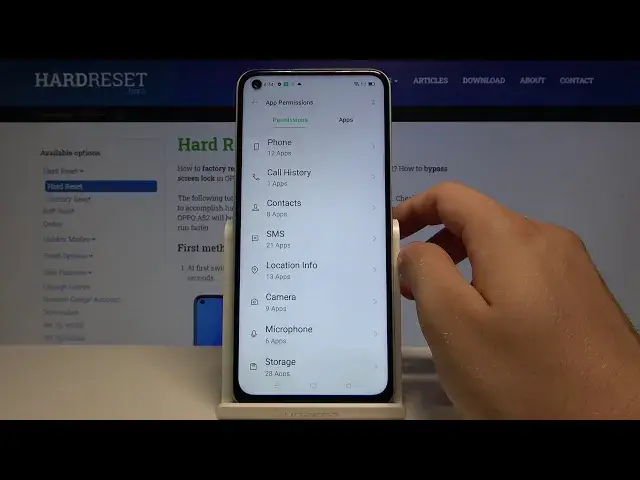

How to Allow/Deny Apps Access to Phone Features in Oppo A52 – Manage Apps Permissions
Apr 23, 2024

Check out more information’s about Oppo A52: https://www.hardreset.info/devices/oppo/oppo-a52/
In this easy to follow up, tutorial, we would like to show you how to Manage Apps Permissions on Oppo A52! After guiding you to proper App Settings, we’ll show you how to select one of phone features like Location or Microphone, picking wanted apps, and select desired option for it, Allow, Allow while using, or Deny. So, if you are interested in finding out how to take control over the Permissions Manager, then let’s begin!
How to allow app permission in OPPO A52? How to use permission manager in OPPO A52? How to add app permission in OPPO A52? How to activate app permission in OPPO A52? How to enable app permission in OPPO A52?
#OppoA52 #ManageAppsPermissions #AppsAccess
Follow us on Instagram ► https://www.instagram.com/hardreset.info
Like us on Facebook ► https://www.facebook.com/hardresetinfo/
Tweet us on Twitter ► https://twitter.com/HardResetI
Support us on TikTok ►https://tiktok.com/@hardreset.info
Use Reset Guides for many popular Apps ► https://www.hardreset.info/apps/apps/
Show More Show Less