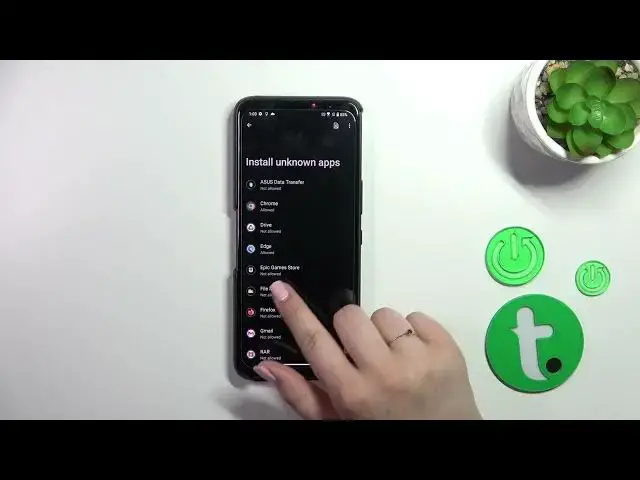

How to Allow Unknown Sources for Apps on ASUS ROG Phone 7 - Managing Permissions
Aug 1, 2024

Learn more about the ASUS ROG Phone 7: https://www.hardreset.info/devices/asus/asus-rog-phone-7/tutorials/
In this YouTube video, learn how to enable unknown sources on your ASUS ROG Phone 7 and gain the ability to install apps from sources other than the Play Store. We'll walk you through the necessary steps to allow the installation of APK files, opening up a world of possibilities for app downloads. Whether you want to try out beta versions of apps, install apps from third-party stores, or explore unique apps not available on the Play Store, enabling unknown sources is essential. Don't limit your app choices—unlock the full potential of your ASUS ROG Phone 7 by watching this video and enabling unknown sources for apps today!
How to allow installation from unknown sources on ASUS ROG Phone 7? How to enable unknown sources on ASUS ROG Phone 7? How to configure app permissions on ASUS ROG Phone 7?
#ASUSROGPhone7 #UnknownSources #ASUSApps
Follow us on Instagram ► https://www.instagram.com/hardreset.info
Like us on Facebook ►
https://www.facebook.com/hardresetinfo/
Tweet us on Twitter ► https://twitter.com/HardResetI
Support us on TikTok ► https://www.tiktok.com/@hardreset.info
Use Reset Guides for many popular Apps ► https://www.hardreset.info/apps/apps/
Show More Show Less #Mobile Apps & Add-Ons