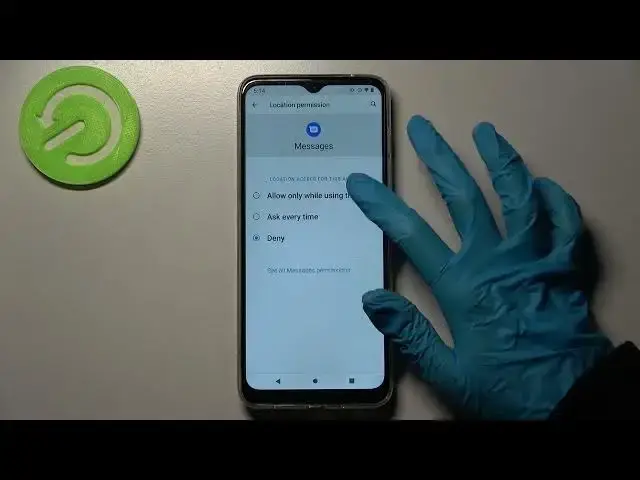

How to Allow Apps Permission in MOTOROLA Moto G50 – Change Apps Access
Jul 4, 2024

Learn more about MOTOROLA Moto G50
https://www.hardreset.info/devices/motorola/motorola-moto-g50/
Our guide walks you through how to access App Permission Management, and what you can and can't grant your apps access to things like Location, Contacts, Camera, and more! Follow these instructions, and you'll be ready to pick one of those things, pick an app, and manage permissions for it on MOTOROLA Moto G50. So let's get to it!
How to allow app permission in MOTOROLA Moto G50? How to use permission manager in MOTOROLA Moto G50? How to add app permission in MOTOROLA Moto G50? How to activate app permission in MOTOROLA Moto G50? How to enable app permission in MOTOROLA Moto G50?
#AppPermissions #ManageApps #MOTOROLAMotoG50
Follow us on Instagram ► https://www.instagram.com/hardreset.info
Like us on Facebook ► https://www.facebook.com/hardresetinfo/
Tweet us on Twitter ► https://twitter.com/HardResetI
Support us on TikTok ► https://www.tiktok.com/@hardreset.info
Use Reset Guides for many popular Apps ► https://www.hardreset.info/apps/apps/
Show More Show Less #Mobile & Wireless
#Mobile Apps & Add-Ons
#Mobile Phones