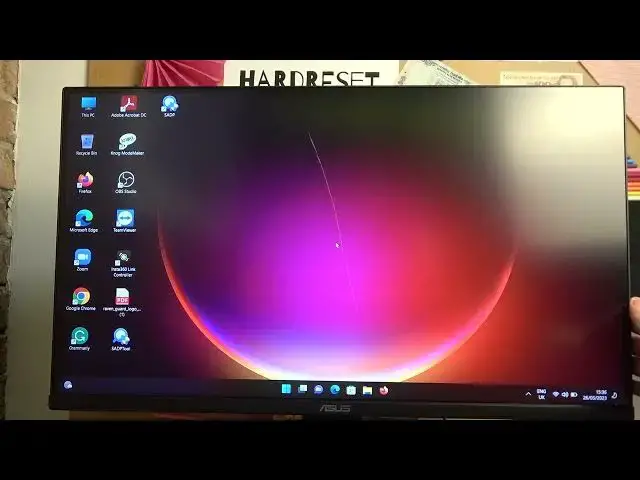

How To Adjust VividPixel Level In Asus TUF Gaming VG289
Mar 17, 2024

Visit Our Website For More : https://www.hardreset.info
In this video tutorial, we will guide you on how to adjust the VividPixel level on your Asus TUF Gaming VG289 monitor. VividPixel is a unique technology that enhances image quality by sharpening and improving the clarity of visuals. By adjusting the VividPixel level, you can customize the sharpness and clarity of the display according to your preference.
How to adjust VividPixel level on Asus TUF Gaming VG289: Step-by-step guide
Customizing image sharpness on Asus TUF Gaming VG289 with VividPixel
Enhancing visual clarity on Asus TUF Gaming VG289
Accessing VividPixel settings on Asus TUF Gaming VG289 monitor
Optimizing image quality with VividPixel on Asus TUF Gaming VG289
Navigating the OSD menu on Asus TUF Gaming VG289
#asustufgaming #asusgaming #asusgamer
Follow us on Instagram ► https://www.instagram.com/hardreset.info
Like us on Facebook ► https://www.facebook.com/hardresetinfo/
Tweet us on Twitter ► https://twitter.com/HardResetI
Support us on TikTok ► https://www.tiktok.com/@hardreset.info
Use Reset Guides for many popular Apps ► https://www.hardreset.info/apps/apps/
Show More Show Less