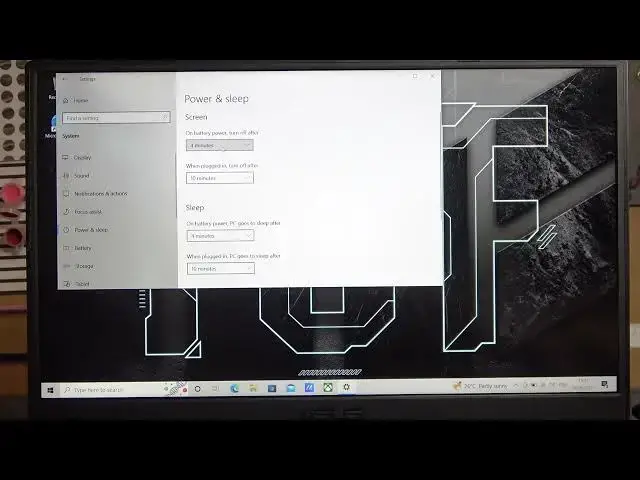

How To Adjust On Battery Auto Screen Off Timer On Asus Tuf Gaming Laptop
Mar 11, 2024

For More Information Visit Our Website : https://www.hardreset.info
In this video tutorial, we will guide you on how to adjust the auto screen-off timer when your Asus Tuf Gaming laptop is running on battery power. By default, laptops have a specific time interval after which the screen automatically turns off to conserve battery life. However, you may want to customize this timer to suit your preferences.
Adjust auto screen-off timer on Asus Tuf Gaming laptop
Customize screen timeout on battery power for Asus Tuf Gaming laptop
Change power settings for screen-off timer on Asus Tuf Gaming laptop
Battery power screen-off timer adjustment on Asus Tuf Gaming laptop
Optimize screen-off time on Asus Tuf Gaming laptop
Extend screen timeout on battery for Asus Tuf Gaming laptop
Increase screen-on time on battery power for Asus Tuf Gaming laptop
Adjust power-saving settings on Asus Tuf Gaming laptop
#asustufgaming #asusgaminglaptop #asustuf
Follow us on Instagram ► https://www.instagram.com/hardreset.info
Like us on Facebook ► https://www.facebook.com/hardresetinfo/
Tweet us on Twitter ► https://twitter.com/HardResetI
Support us on TikTok ► https://www.tiktok.com/@hardreset.info
Use Reset Guides for many popular Apps ► https://www.hardreset.info/apps/apps/
Show More Show Less