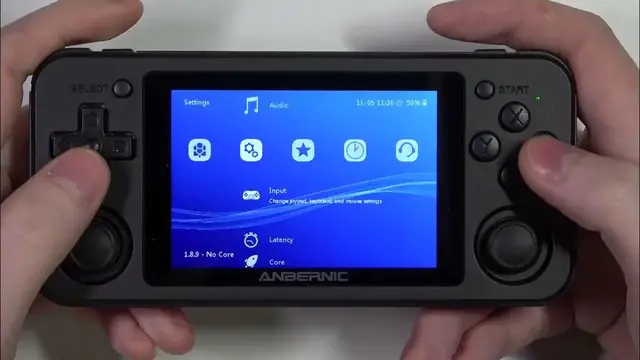

How To Adjust Analog Dead Zone In Whatsko Anbernic RG351P
Jan 19, 2024

Find out more on our website : https://www.hardreset.info/
Refine your gaming precision on the Whatsko Anbernic RG351P with the knowledge to adjust the analog dead zone. This in-depth guide unveils the secrets behind optimizing analog controls for a responsive and accurate gaming experience. Delve into step-by-step instructions, tips, and tricks to customize the analog dead zone to suit your playstyle. Whether you're into fast-paced action or precise maneuvers, mastering this adjustment ensures your RG351P responds exactly as you intend. Elevate your gaming skills by unlocking the full potential of analog controls on your RG351P.
What is the analog dead zone, and why is it essential for gaming?
Step-by-step guide on adjusting the analog dead zone on the RG351P.
How does the analog dead zone impact gameplay and control responsiveness?
Recommended analog dead zone settings for different gaming genres.
Real-world examples illustrating the effects of analog dead zone adjustments.
Troubleshooting common issues related to analog dead zone configuration on the RG351P.
Can analog dead zone settings be customized for specific emulators or games?
#anbernicgaming #Anbernic #anbernicrg35xx
Follow us on Instagram ► https://www.instagram.com/hardreset.info
Like us on Facebook ► https://www.facebook.com/hardresetinfo/
Tweet us on Twitter ► https://twitter.com/HardResetI
Support us on TikTok ► https://www.tiktok.com/@hardreset.info
Use Reset Guides for many popular Apps ► https://www.hardreset.info/apps/apps/
Show More Show Less