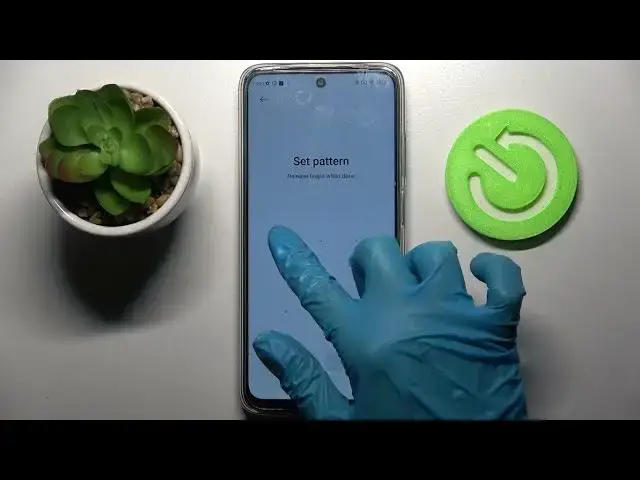

How to Add Screen Lock on Xiaomi Redmi 10 – Use Screen Lock Method
Jun 30, 2024

Check more information about Redmi 10:
https://www.hardreset.info/devices/redmi/redmi-10/tutorials/
Hi there! Some applications on your Xiaomi Redmi 10, such as social networks or instant messengers, require more privacy than others. And if, for example, you want to keep your correspondence from prying eyes, then you can set a password or any other means of protection on the application to keep all your data safe. In this video tutorial, our Expert will show and tell you how to add app lock feature on your Xiaomi Redmi 10 to keep your information more private. So, open our video tutorial and follow all the steps of our Specialist, to successfully add lock screen method on your Xiaomi Redmi 10. For more information visit our HardReset.info YT channel and discover many useful tutorials for Xiaomi Redmi 10.
How to Apply Screen Lock Method on Xiaomi Redmi 10?
How to Add Face Unlock Feature on Xiaomi Redmi 10?
How to Set Up Passcode to Unlock Xiaomi Redmi 10 Device?
#ScreenLock #FaceUnlock #AddPattern
Follow us on Instagram ► https://www.instagram.com/hardreset.info
Like us on Facebook ► https://www.facebook.com/hardresetinfo/
Tweet us on Twitter ► https://twitter.com/HardResetI
Support us on TikTok ► https://www.tiktok.com/@hardreset.info
Use Reset Guides for many popular Apps ► https://www.hardreset.info/apps/apps/
Show More Show Less