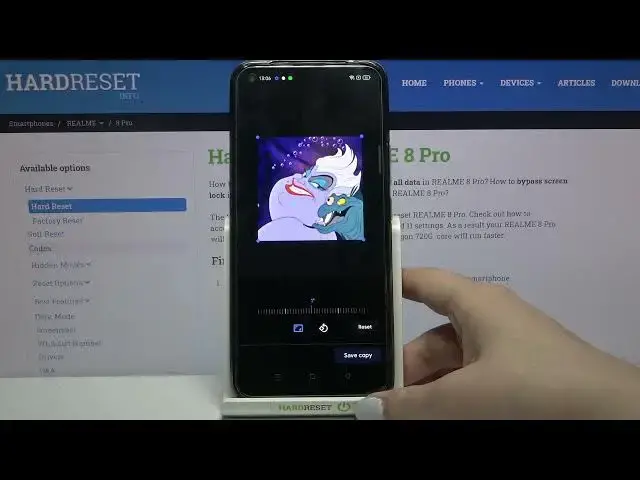

How to Add Photo to Contact in REALME 8 Pro – Add Profile Picture
Jul 9, 2024

Learn more info about REALME 8 Pro: https://www.hardreset.info/devices/realme/realme-8-pro/
If you’d like to customize contacts saved in your REALME 8 Pro, then here we are coming with help! Above tutorial will show you how easily you can find proper contact settings and how to manage them in order to get into proper section. There you’ll be able to decide if you want to take photo of the person at this moment or pick a photo from the gallery. So let’s follow all shown steps and customize whole contact list easily!
How to Add Profile Picture in REALME 8 Pro? How to Add Picture to Contact in REALME 8 Pro? How to Add Contact Picture in REALME 8 Pro? How to Personalize Contacts in REALME 8 Pro?
#AddPhoto #PersonalizeContact #REALME8Pro
Follow us on Instagram ► https://www.instagram.com/hardreset.info
Like us on Facebook ► https://www.facebook.com/hardresetinfo/
Tweet us on Twitter ► https://twitter.com/HardResetI
Support us on TikTok ► https://www.tiktok.com/@hardreset.info
Use Reset Guides for many popular Apps ► https://www.hardreset.info/apps/apps/
Show More Show Less #Photo & Image Sharing