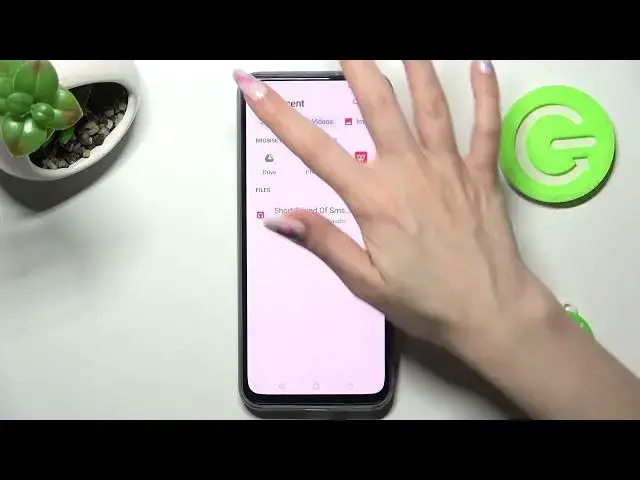

How to Add Files to Text Message in ZTE Axon 20 5G - Attach Audio Music Video Files To SMS
Mar 20, 2024

Find out more info about ZTE Axon 20:
https://www.hardreset.info/devices/zte/zte-axon-20-5g/tutorials/
Stay here if you want to know how to attach files to your text messages on your ZTE Axon 20 5G. This video will guide you through the process step-by-step. Find out how to add files such as images, photos, videos, or audio recordings to your text messages using the default messaging app on your ZTE Axon 20 5G.
How to add files to text messages in ZTE Axon 20 5G? How to attach files to text messages on ZTE Axon 20 5G? How to add a video to message in ZTE Axon 20 5G? How to add audio to SMS in ZTE Axon 20 5G?
#AddFilesToTextMessages #AttachFilesToTextMessages #ZTEAxon205G
Follow us on Instagram ► https://www.instagram.com/hardreset.info
Like us on Facebook ► https://www.facebook.com/hardresetinfo/
Tweet us on Twitter ► https://twitter.com/HardResetI
Support us on TikTok ► https://www.tiktok.com/@hardreset.info
Use Reset Guides for many popular Apps ► https://www.hardreset.info/apps/apps/
Show More Show Less