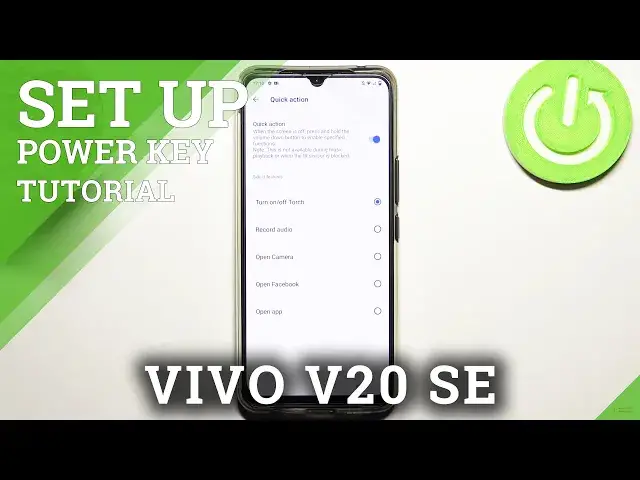

How to Activate Quick Launch on VIVO V20 SE - Personalize Power Key
Jul 7, 2024

Check out more information about VIVO V20 SE: https://www.hardreset.info/devices/vivo/vivo-v20-se/
Hi there! If you want to learn how to Customize the Quick Launch Option on VIVO V20 SE, stay here with us 😊 Follow our instructions and go to the advanced options in your VIVO V20 SE and find the Side Key Settings there. So, firstly Launch Settings on your device and go to the Advanced Features. Next just Tap on the Side Key an you will see the Double Press Key. So you can Select one of the possible Apps or Options. So, that’s it, thank to this tutorial you can Enable or Disable the Double Press feature and assign applications to the double click. If you need to find more information visit our HardReset.info YT channel and discover many useful tutorials for VIVO V20 SE.
How to Customize Quick Launch on VIVO V20 SE? How to Activate Quick Launch Double Power Key on VIVO V20 SE? How to Change App in Quick Launch Double Key Option?
#QuickLaunck #PowerKey #VIVOV20SE
Follow us on Instagram ► https://www.instagram.com/hardreset.info
Like us on Facebook ► https://www.facebook.com/hardresetinfo/
Tweet us on Twitter ► https://twitter.com/HardResetI
Support us on TikTok ► https://www.tiktok.com/@hardreset.info
Use Reset Guides for many popular Apps ► https://www.hardreset.info/apps/apps/
Show More Show Less