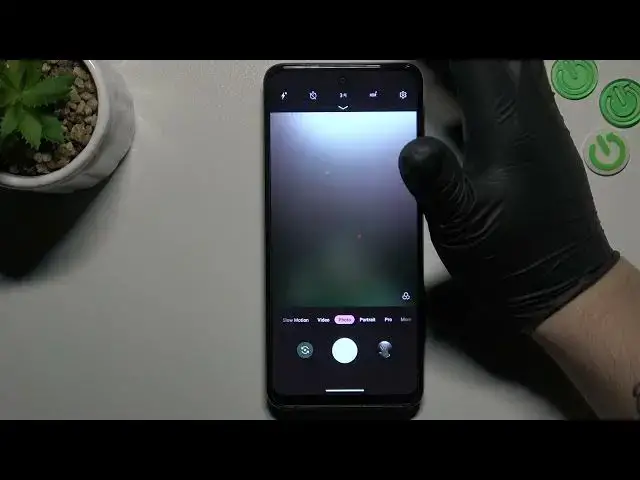

How to Activate Image Stabilization on Motorola G13 – Manage Camera Settings
Mar 23, 2024

Check more information about Motorola Moto G13:
https://www.hardreset.info/devices/motorola/motorola-moto-g13/tutorials/
Hi there! Activating image stabilization on your Motorola G13 is a straightforward process that can greatly improve the quality of your photos and videos. To start, open your camera app and select the settings menu. From there, look for the "Image stabilization" option and toggle the switch to the "on" position. This will enable the feature, allowing you to capture steady and blur-free images and videos. If you need further assistance, be sure to check out our helpful video tutorial, which provides step-by-step instructions on how to activate image stabilization on your Motorola G13. For more tips and tricks on how to make the most of your Motorola Moto G13, be sure to check out our HardReset.info YT channel.
How to Enable Image Stabilization on Motorola G13?
How to Turn On Image Stabilization on Motorola G13?
How to Change Camera Settings on Motorola G13?
#CameraSettings #ImageStablization #MotorolaG13
Follow us on Instagram ► https://www.instagram.com/hardreset.info
Like us on Facebook ► https://www.facebook.com/hardresetinfo/
Tweet us on Twitter ► https://twitter.com/HardResetI
Support us on TikTok ► https://www.tiktok.com/@hardreset.info
Use Reset Guides for many popular Apps ► https://www.hardreset.info/apps/apps/
Show More Show Less