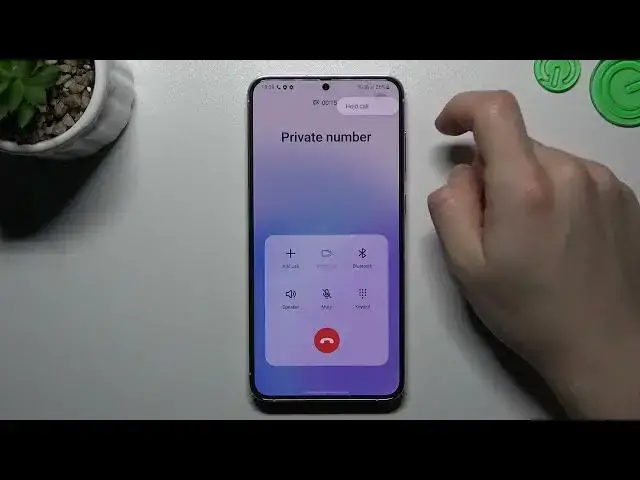

How incoming calls look like on the Samsung Galaxy S23+
Mar 23, 2024

More info about your device you can find by following this link: https://www.hardreset.info/devices/samsung/samsung-galaxy-s23-plus/tutorials/
In this video, we'll show you how incoming calls look like on the Samsung Galaxy S23+. When you receive a call on this device, you can see the caller's name and number, as well as their photo if you have one saved in your contacts. You can also choose to answer, reject, or silence the call with a swipe or a tap. You can also customize the ringtone and vibration settings for different callers and situations. Watch this video to see how incoming calls look like on the SAMSUNG Galaxy S23+ and enjoy its amazing features.
How to Change Ringtone on SAMSUNG Galaxy S23+?
How to Set Vibration Pattern on SAMSUNG Galaxy S23+?
How to Block Calls on SAMSUNG Galaxy S23+?
#samsunggalaxys23 #incomingcalls #smartphone
Follow us on Instagram ► https://www.instagram.com/hardreset.info
Like us on Facebook ► https://www.facebook.com/hardresetinfo/
Tweet us on Twitter ► https://twitter.com/HardResetI
Support us on TikTok ► https://www.tiktok.com/@hardreset.info
Use Reset Guides for many popular Apps ► https://www.hardreset.info/apps/apps/
Show More Show Less