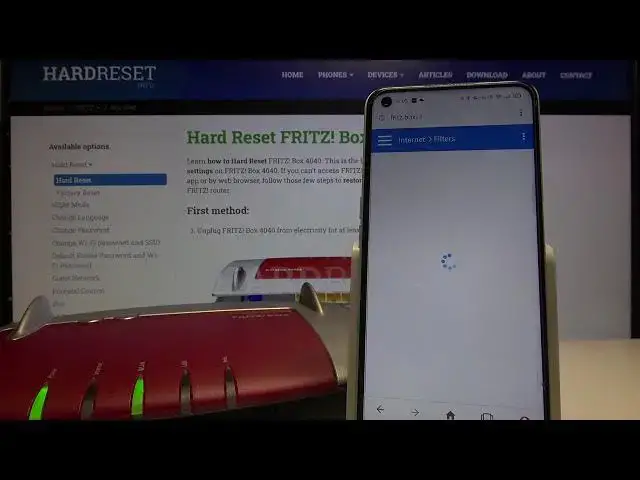

FRITZ!Box 4040 Router Parental Control Set Up – How to Block Websites on FRITZ!Box 4040 Router
Jul 14, 2024

Discover more: https://www.hardreset.info/devices/fritz/fritz-box-4040/parental-control/
This video will show you the best method how to block certain websites on the FRITZ!Box 4040 Router. Learn how to control the content that your children watch over the internet. You will need to access FRITZ!Box 4040 Router settings, go to the parental control, and input web addresses or keywords you want to block in the net. You will also have the possibility to configure hours during which the internet connection will be active, you can for example automatically turn off the internet between 11 p.m. and 7 a.m.
How to activate the parental control on FRITZ!Box 4040 Router? How to enable parental control on FRITZ!Box 4040 Router? How to establish keywords to block for parental control on FRITZ!Box 4040 Router? How to restrict channels on FRITZ!Box 4040 Router? How to protect kids while using FRITZ!Box 4040 Router? How to restrict time which children spend on the net on FRITZ!Box 4040 Router?
Follow us on Instagram ► https://www.instagram.com/hardreset.info/
Like us on Facebook ► https://www.facebook.com/hardresetinfo/
Tweet us on Twitter ► https://twitter.com/HardresetI/
Show More Show Less