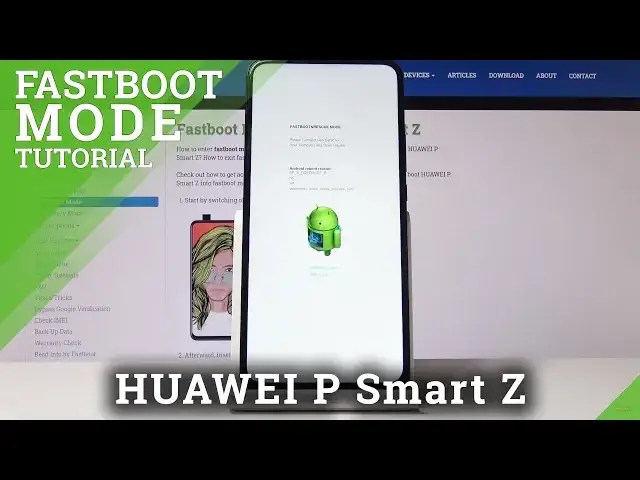

Fastboot Mode in HUAWEI P Smart Z – How to Use Fastboot Features
May 16, 2024

Learn more info about HUAWEI P Smart Z:
https://www.hardreset.info/devices/huawei/huawei-p-smart-z/
Come along with the above video guide, where we teach you how to open fastboot mode in HUAWEI P Smart Z. If you wish to get access to the Huawei fastboot mode, find out the presented tutorial and learn how to use a combination of keys in order to open fastboot mode and use fastboot features successfully. Let’s follow our tutorial and open, use and exit fastboot mode in HUAWEI P Smart Z.
How to enter fastboot mode on HUAWEI P Smart Z? How to boot fastboot mode in HUAWEI P Smart Z? How to open fastboot mode in HUAWEI P Smart Z? How to get access to the fastboot mode in HUAWEI P Smart Z? How to exit fastboot mode in HUAWEI P Smart Z? How to quit fastboot mode in HUAWEI P Smart Z?
Follow us on Instagram ► https://www.instagram.com/hardreset.info
Like us on Facebook ► https://www.facebook.com/hardresetinfo/
Tweet us on Twitter ► https://twitter.com/HardResetI
Show More Show Less