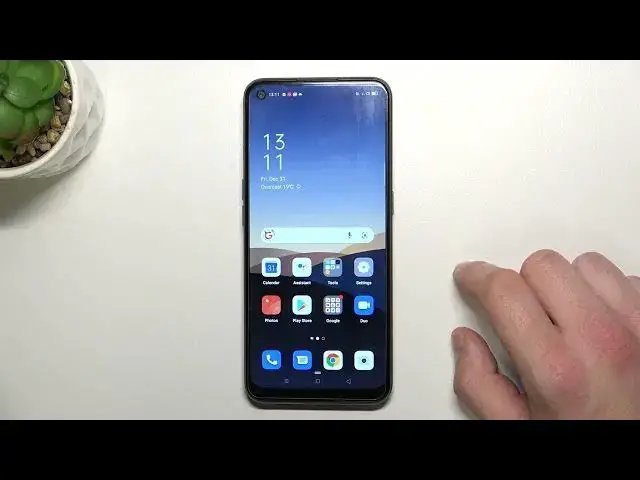

Enable/Disable Touch Sounds - OPPO A53s & Sound Settings
Apr 7, 2024

Find out more about OPPO A53s:
https://www.hardreset.info/devices/oppo/oppo-a53s-5g/
This video introduces the Touch Sounds feature, which you can find in the Main Sound Settings of your OPPO A53s device. This option uses a special tone and allows you to always know when you select a function (or press some button) on the device. Watch our new guide above, where the HardReset.Info command teaches you to enable or disable this sound feature.
How to Change Touch Sounds on OPPO A53s? How to Activate Touch Sound on OPPO A53s? How to Disable Touch Sound on OPPO A53s? How to Manage Touch Sounds on OPPO A53s? How to Correct Touch Tone on OPPO A53s? How to Manage Touch Tone on OPPO A53s? How to Customize Touch Tones on OPPO A53s? How to Turn Off Touch Tone on OPPO A53s?
#TouchTone #SoundOnTouch #OPPOA53s
Follow us on Instagram ► https://www.instagram.com/hardreset.info
Like us on Facebook ► https://www.facebook.com/hardresetinfo/
Tweet us on Twitter ► https://twitter.com/HardResetI
Support us on TikTok ► https://www.tiktok.com/@hardreset.info
Use Reset Guides for many popular Apps ► https://www.hardreset.info/apps/apps/
Show More Show Less