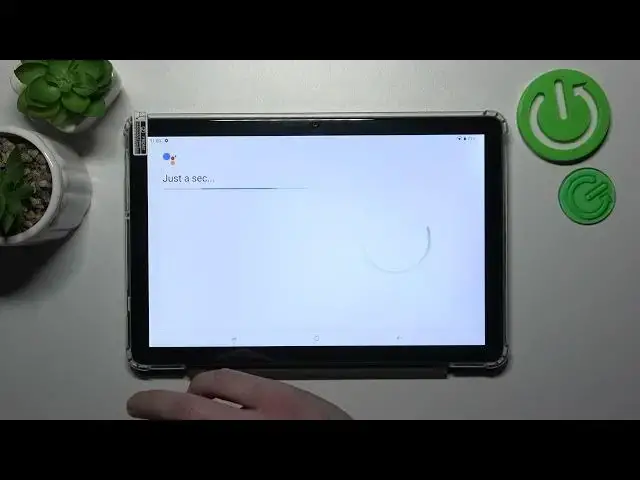

Enable Google Assistant on Lock Screen - DOOGEE T10 & Google Settings
Mar 19, 2024

Find out more info about DOOGEE T10: https://www.hardreset.info/devices/doogee/doogee-t10/tutorials/
With just a few simple settings, you can activate Google Assistant on the lock screen and effortlessly perform tasks, get answers, and stay organized. Did you know about this Google Assistant option? Yes, it's possible to activate it on your DOOGEE T10 tablet - click on the video above and learn the best way to enable the Google Assistant to work on your Lock Screen. This new feature will help you to very quickly get access to the needful information with the assistant and without even unlocking your tablet. Cool!
How to use Google Assistant on DOOGEE T10 Lock Screen? How to manage Google Assistant Settings on DOOGEE T10? How to enable Google Assistant on Lock Screen on DOOGEE T10? How to activate Google Assistant without screen unlocking? How to use Google Assistant without screen unlocking?
#GoogleAssistant #AssistantOnLockScreen #DOOGEET10
Follow us on Instagram ► https://www.instagram.com/hardreset.info
Like us on Facebook ► https://www.facebook.com/hardresetinfo/
Tweet us on Twitter ► https://twitter.com/HardResetI
Support us on TikTok ► https://www.tiktok.com/@hardreset.info
Use Reset Guides for many popular Apps ► https://www.hardreset.info/apps/apps/
Show More Show Less