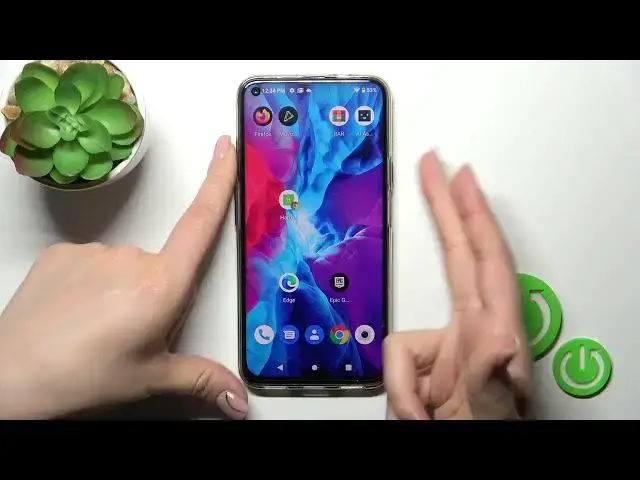

Disabling Muviz Edge Always On Display on HAFURY GT20 | Customize Your Device's Display
Aug 3, 2024

We invite you to visit our website and learn more about HAFURY GT20: https://www.hardreset.info/devices/hafury/hafury-gt20/tutorials/
Are you using the Muviz Edge app for an enhanced Always On Display experience on your HAFURY GT20 but want to disable it temporarily or permanently? This YouTube video is here to guide you through the process. The Muviz Edge app allows you to add a beautiful edge lighting effect to your device's screen, but if you're looking to change things up or conserve battery life, disabling the Muviz Edge Always On Display can be a great option. In this tutorial, we'll show you step-by-step how to disable the Muviz Edge Always On Display feature on your HAFURY GT20. We'll explore the app settings, accessibility options, and quick toggles to help you turn off the Muviz Edge Always On Display whenever you need. Whether you prefer a different Always On Display style or want to temporarily disable it for a specific situation, this tutorial has got you covered. Don't forget to subscribe and hit the notification bell for more device customization tips and tricks. Let's dive in and customize your HAFURY GT20's display by disabling the Muviz Edge Always On Display!
How to turn off the AOD on HAFURY GT20? How to disable the always on display feature on HAFURY GT20? How to deactivate the Muviz Edge AOD on HAFURY GT20?
#HAFURYGT20 #AlwaysOnDisplay #HAFURYDisplay
Follow us on Instagram ► https://www.instagram.com/hardreset.info
Like us on Facebook ►
https://www.facebook.com/hardresetinfo/
Tweet us on Twitter ► https://twitter.com/HardResetI
Support us on TikTok ► https://www.tiktok.com/@hardreset.info
Use Reset Guides for many popular Apps ► https://www.hardreset.info/apps/apps/
Show More Show Less