0:00
Here I have Sony Xperia L3 and let me show you all the secret codes which will allow
0:12
you to enable hidden modes on the following device. So at the very beginning you have to open the phone gallery and then let's start with
0:20
the first code, very useful one, which was asterisk pound or six pound
0:28
And now as you can see you have here the email numbers
0:32
So just within entering four digits you are able to see what your email number is
0:37
So it's very quick way to do it. Let's go back and let me show you the second super code which is asterisk pound
0:46
Asterisk pound, seven three, seven eight, four two three, pound, asterisk, pound, asterisk
0:58
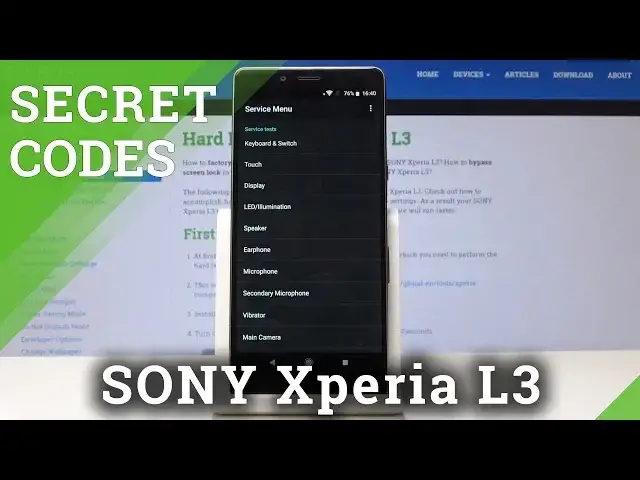
And that's it. Now you are in service menu so you can go to service info and see all the information
1:06
all the essential information about your Sony. So it's model info, it's here, simlog info, configuration info and all the others
1:16
So very important feature. You can also go to service tests and you can perform a various of tests over here
1:25
For example, display. And as you can see it has all the colors so if something is going wrong it's not about
1:44
your phone but about the application. So let's go back. You can also test microphones, speakers and all the others, real time clock
1:52
So let's go back. And one more time go back and let's go to the third code which is test menu and it's
2:02
asterisk pound, asterisk pound, four six, three six, pound asterisk, pound asterisk
2:11
And as you can see now you're in testing mode, in testing menu and from here you can go to
2:16
phone information. So just click on phone information where you can find email number, phone number if you
2:23
have one, current network, voice service and also you can run a ping test here
2:28
So just click on over here and the result is here. So let's go back and then you can also open the usage statistics
2:41
And now you will be able to see the usage time of each app
2:46
So as you can see the detailed information about your apps and the time of usage and
2:51
then go to Wi-Fi information. And here you have three possibilities. So let's open Wi-Fi APA where you can see all disabled network, disconnected, enabled
3:04
networks and all the other info. Let's go to Wi-Fi configuration and here you can see all the configured networks
3:13
Let's go back and the last one is Wi-Fi status where you can also run a ping test over here
3:21
but you can also see the state of your Wi-Fi network state. You can refresh the status here just by clicking
3:27
So that's it. Let's go back and now it's time for the fourth code, which is asterisk bound, asterisk bound
3:37
225 bound asterisk, bound asterisk. And here you will have all the calendar's info
3:44
So you will have info from your phone, from your Gmail, also the holidays in the country
3:50
that you are currently staying in and all the others. So it will be all in one place
3:55
You will not forget about any event. So let's go back and the very last but not least of course code is asterisk bound, asterisk
4:05
bound, 426, bound asterisk, bound asterisk. And here you've got the Google Play service
4:14
You can run a ping test here. You can check the connection, disconnect, and also check the events and status
4:22
So as you can see, all the codes are very useful and worth using
4:26
So just use them whenever you need or want to. So thank you for watching
4:30
Please subscribe to our channel and leave the thumbs up