0:00
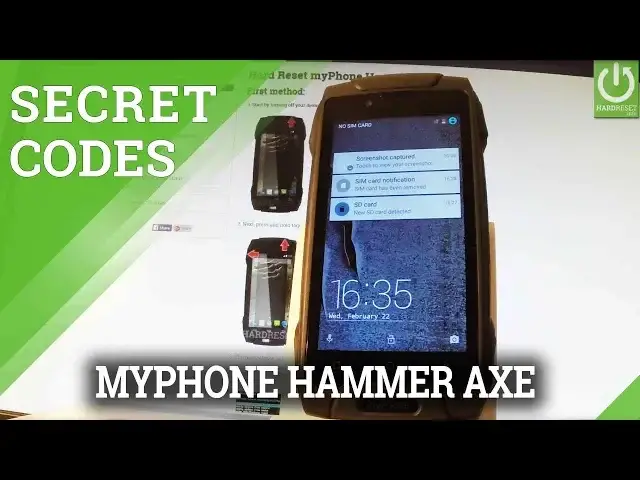
Here I have my phone hammer axe and let me show you how to use secret codes on the following phone
0:10
So at the very beginning you have to unlock your screen by using your power key and by swapping
0:16
Afterwards from the home screen let's tap call button to open the phone's dialer
0:20
Let's activate your keypad right here and now you should use the secret codes that you know
0:26
So let's start by using a testing menu. Let's input star hash star hash 4636 hash star hash star
0:37
As you can see testing menu just appears in front of you. You can check for example phone information by using the first option and here you have
0:44
full specification about your phone. You can read for example the email number of the current network
0:50
Let's go back and also you can choose user statistics, the second one
0:55
And here you have the list of available apps of your device. You can read the last time used or usage time
1:01
Let's go back to previous page and here you should find Wi-Fi information
1:06
If you tap this option you can choose Wi-Fi API when you can disable network, disconnect
1:11
network, enable or get connection info. Let me go back. You can choose Wi-Fi config and if you have any configured networks here you should find
1:21
the specification of that networks. Let me go back and let's choose Wi-Fi status, the last option and here you've got all stats
1:30
about your Wi-Fi. You can for example read the scan results or the Wi-Fi state
1:36
You can also refresh all stats or run a ping test. Let me go back to the phone's dialer and let me show you how to check the calendar info
1:44
on the following phone by using secret codes. So let's type in star hash, star hash, 225 hash, star hash, star
1:55
As you may observe on your screen the calendar info just pops up
1:59
To close this window simply use your back arrow. Now let me show you how to open Google Play Services menu
2:07
Let's input star hash, star hash, 426 hash, star hash, star
2:16
As you can see Google Play Services appears on the screen. Now you can use this mode or you can simply quit it by pressing your back arrow right here
2:24
And let me show you how to open debug UI by using star hash, star hash, 759 hash, star
2:35
hash, star. As you can see the debug UI just appears on the screen
2:40
You can for example view client's IDs right here and close this window by tapping close
2:46
Let's go back by using your back arrow and let me show you one of the most popular secret
2:51
codes which is star hash, 06 hash and as you can see email number just appears in front
2:58
of you. To close this window simply tap OK. Excellent. Thank you for watching
3:04
Please subscribe our channel and leave thumbs up under the video