0:00
Here I have Samsung Galaxy J5 2017 and let me show you how to check the warranty, country
0:14
and carrier on the following device just by using the e-mail number. So at the very beginning let's start by checking the e-mail on my phone
0:21
Let's open the phone's dialer and use this code, asterix hash 06 hash
0:26
As you can see the e-mail number just pops up. Now let's go to the following website e-mail.info and here you need to enter this empty bracket
0:34
So let's enter here my e-mail. It doesn't matter which one, let me choose the first one for example
0:39
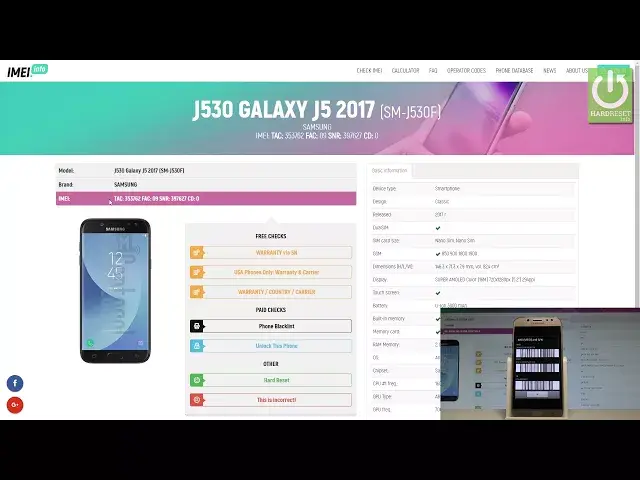
So let's choose here and let's go through the capture protection. Let's tap check button and here you've got the basic information about your device
0:47
So you can read the basic info such as device type, design, release date, sim card size
0:52
and the whole specification. You can read the exact model, the brand of course, the e-mail, so the tag number and
0:59
other stuff and here you've got a couple of interesting things such as the free checks
1:04
So let me choose warranty, country and carrier. Let's choose check Samsung phone details
1:13
And that's it. Here you've got the results so you can check the e-mail, the master number, serial number
1:18
model number and the most important part is right here. So the purchased country, production date, warranty status, in my case it's yes, warranty
1:26
expired date, manufacturer, sold by and shipped to information and of course the carrier
1:31
in my case it's open carrier from Holland. So that's it. Everything went well
1:36
Thank you for watching. You can have all this information just by using the e-mail number
1:40
Please subscribe our channel, leave thumbs up under the video