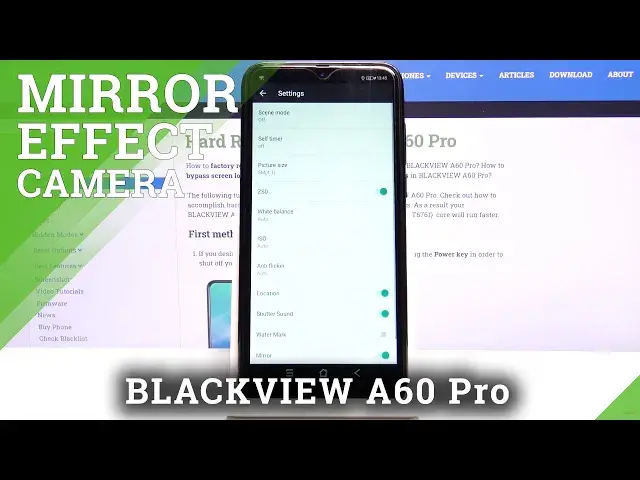

BLACKVIEW A60 Pro Camera Mirror Effect – Turn Off Camera Mirror Effect
Jul 13, 2024

Learn more info BLACKVIEW A60 Pro:
https://www.hardreset.info/devices/blackview/blackview-a60-pro/
If you want to learn how to disable mirror photos on BLACKVIEW A60 Pro, follow our instructions. If you take photos with a selfie camera, the photos are usually in the effect of mirrors. If you don't want this effect, see how to turn off this option. Follow our instructions and go to the camera settings on the BLACKVIEW device and switch off the camera mirror effect.
How to Turn Off Mirror Effect Camera in BLACKVIEW A60 Pro? How to Turn On Mirror Effect Camera in BLACKVIEW A60 Pro? How to Disable Mirror Effect Camera in BLACKVIEW A60 Pro? How to Enable Mirror Effect Camera in BLACKVIEW A60 Pro? How to Switch Off Mirror Effect Camera in BLACKVIEW A60 Pro? How to Switch On Mirror Effect Camera in BLACKVIEW A60 Pro? How to Disable Mirror Effect in BLACKVIEW’s font camera? How to Disable Mirror Effect in BLACKVIEW A60 Pro’s font camera?
Follow us on Instagram ► https://www.instagram.com/hardreset.info
Like us on Facebook ► https://www.facebook.com/hardresetinfo/
Tweet us on Twitter ► https://twitter.com/HardresetI/
Show More Show Less