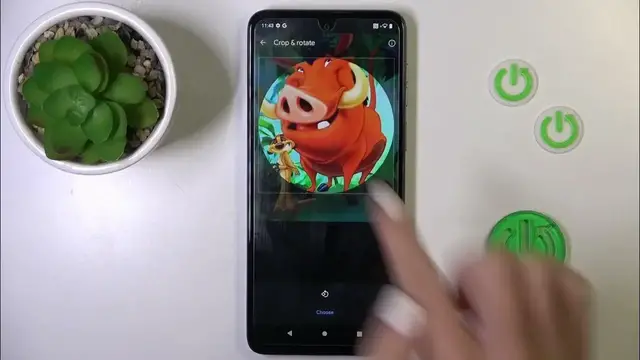

How to Add Photo to Contact on MOTOROLA Moto G54?
Jan 19, 2024

Find out more info about MOTOROLA Moto G54: https://www.hardreset.info/devices/motorola/motorola-moto-g54/tutorials/
This tutorial is designed for MOTOROLA Moto G54 users, with a focus on the process of adding a photo to a contact in your smartphone's address book. Associating a photo with a contact can make it easier to identify and personalize your contacts list. By the end of this tutorial, you will be equipped with the knowledge and skills to personalize your contact list by adding photos to your contacts on the MOTOROLA Moto G54.
How do I access and manage my contacts on the MOTOROLA Moto G54? Why would I want to add a photo to a contact in my address book? What's the easiest way to add a photo to an existing contact? Can I take a new photo or use an existing one for a contact's picture? What is the recommended image size and format for contact photos? #addphototocontact #profilepictures #motorolamotog54
Follow us on Instagram ► https://www.instagram.com/hardreset.info
Like us on Facebook ► https://www.facebook.com/hardresetinfo/
Tweet us on Twitter ► https://twitter.com/HardResetI
Support us on TikTok ► https://www.tiktok.com/@hardreset.info
Use Reset Guides for many popular Apps ► https://www.hardreset.info/apps/apps/
Show More Show Less