0:00
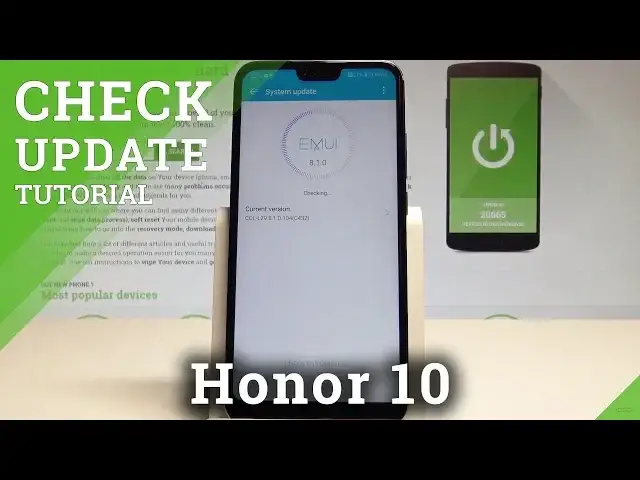
Here I have Honor 10 and let me show you how to easily check for updates, so let me show
0:09
you if you can easily update your device and also let me explain to you how to check your
0:16
current version of your system. So at the very beginning let's start by using your home screen
0:21
Here you need to find and select the settings icon, scroll down to the bottom of the list
0:26
and select system. Here you need to choose the system update and as you can see the device is checking
0:33
your current version and checking for some available updates. So let's wait a few seconds, that's it, this is your current version
0:42
As you can see here we've got more information. Here you can choose check for update if you would like to check out one more time if you
0:49
have some available updates. As you can see there is no update
0:53
You can also use more key right here for example to use some update settings, for example
0:59
in my case I've got enabled the auto download over the WiFi
1:03
You can also here use the update overnight and you can download latest full package
1:09
So basically that's it, everything went well. Thank you for watching, please subscribe our channel, leave thumbs up under the video