0:00
Welcome, in front of me I have LG LED smart TV and today I'll show you how you can hard
0:14
reset this device. So simply you have to tap on the settings on your remote control, just like that
0:26
Now be patient and wait a little bit until the settings pops on the screen and here we
0:30
are so what you have to do right now. You have to grab your remote control and then use arrows to navigate and you have to scroll
0:36
down to the general settings. So let's make it. Here we got the general settings so we have to go for it
0:47
Then click OK to enter, tap on the right arrow on your remote control to open the list and
0:53
here we are. So right now you have to scroll down by using the arrows as I said before and as you can
1:01
see here we can find to reset to the additional settings. Basically it's the factory reset of our LG LED smart TV
1:08
So you have to click OK on your remote control and next you have to input your PIN code
1:13
If you don't know your PIN code, if you even didn't set it up, the most common and the
1:17
most possible way is just to press 4 times 0. So let's pick it, then go for the OK
1:25
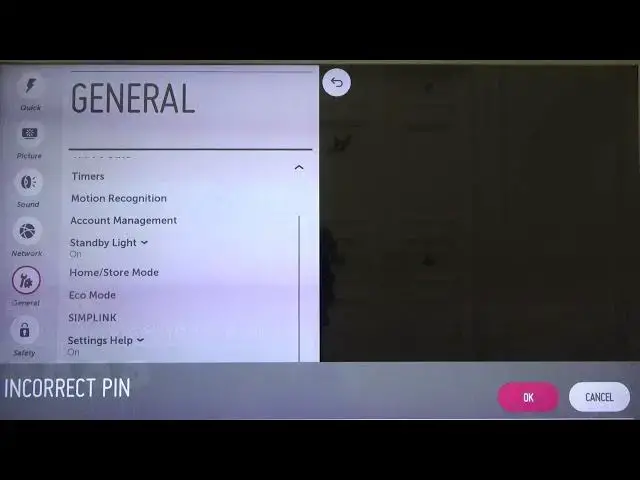
As you can see in my case it's incorrect PIN because I set up different. In my case it's 1, 2, 3 and 4
1:32
Click OK. As you can see when you input the correct PIN code you will get this notification
1:39
The information that we are resetting will delay all of our account settings and install
1:43
adapts so we have to remember about that. And right now you have to choose the confirm by using the right arrow and clicking OK on
1:51
your remote control. OK, as you can see the reset is complete so right now you can press OK on your remote
2:10
control and start with the first setup of this device. So if you find this video helpful remember to leave a like, comment and subscribe to