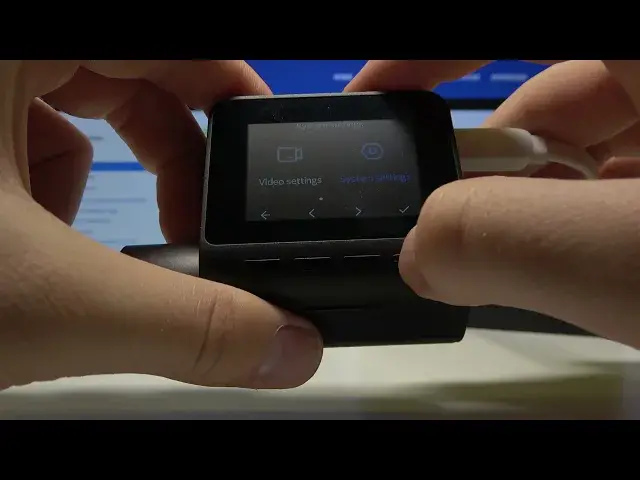

How to Turn On Wi-Fi Hotspot on 70mai Dash Cam Pro Plus+ - Pair your Smartphone with 70mai A500S Cam
Jul 11, 2024

Discover more: https://www.hardreset.info/devices/xiaomi/xiaomi-70mai-dash-cam-pro/
In this video HardReset.Info expert will show you how to turn on the mobile hotspot on 70mai A500S Dash Cam. This is necessary to add 70mai Dash Cam Pro Plus+ to the 70mai App. You will need to connect to the dashcam Wi-Fi network with your smartphone and follow the suggestions in the 70mai app.
Follow us on Instagram ► https://www.instagram.com/hardreset.info
Like us on Facebook ► https://www.facebook.com/hardresetinfo/
Tweet us on Twitter ► https://twitter.com/HardResetI
Support us on TikTok ► https://www.tiktok.com/@hardreset.info
Use Reset Guides for many popular Apps ► https://www.hardreset.info/apps/apps/
#70maidashcam #hardresetinfo #imeiinfo
How to set up Wi-Fi Hotspot in 70mai Dash Cam Pro Plus+? How to share Network on 70mai Dash Cam Pro Plus+? How to enable Mobile Hotspot in 70mai Dash Cam Pro Plus+? How to share Wi-Fi in 70mai Dash Cam Pro Plus+?
Show More Show Less