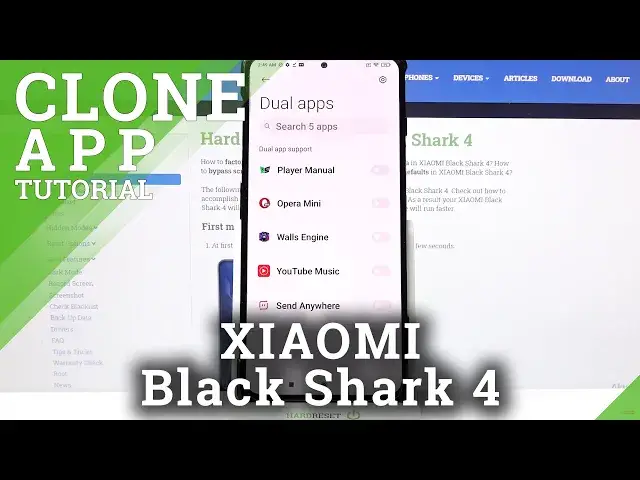

How to Clone Apps on XIAOMI Black Shark 4 – Dual Apps
Jul 7, 2024

Find out more info about XIAOMI Black Shark 4:
https://www.hardreset.info/devices/xiaomi/xiaomi-black-shark-4/
Do you want to know how to clone apps on XIAOMI Black Shark 4? Open this tutorial and follow our instructions. First of all, open the Settings, scroll down and find Apps settings there. Next, enter the Dual Apps tab and there decide which apps you need to clone. After that, you will be able to use your favourite apps in the more easiest way - if you have two accounts, you'll stay logged in in two of them at the same time. Visit our YouTube channel and discover more about your device.
How to Clone Apps in XIAOMI Black Shark 4? How to Clone Applications in XIAOMI Black Shark 4? How to Dual Apps in XIAOMI Black Shark 4? How to Clone Apps in Android? How to Use Multiple app accounts in XIAOMI Black Shark 4? How to Use Dual Accounts in XIAOMI Black Shark 4? How to duplicate apps in XIAOMI Black Shark 4?
#CloneApps #DualApps #XIAOMIBlackShark4
Follow us on Instagram ► https://www.instagram.com/hardreset.info
Like us on Facebook ► https://www.facebook.com/hardresetinfo/
Tweet us on Twitter ► https://twitter.com/HardResetI
Support us on TikTok ► https://www.tiktok.com/@hardreset.info
Use Reset Guides for many popular Apps ► https://www.hardreset.info/apps/apps/
Show More Show Less